

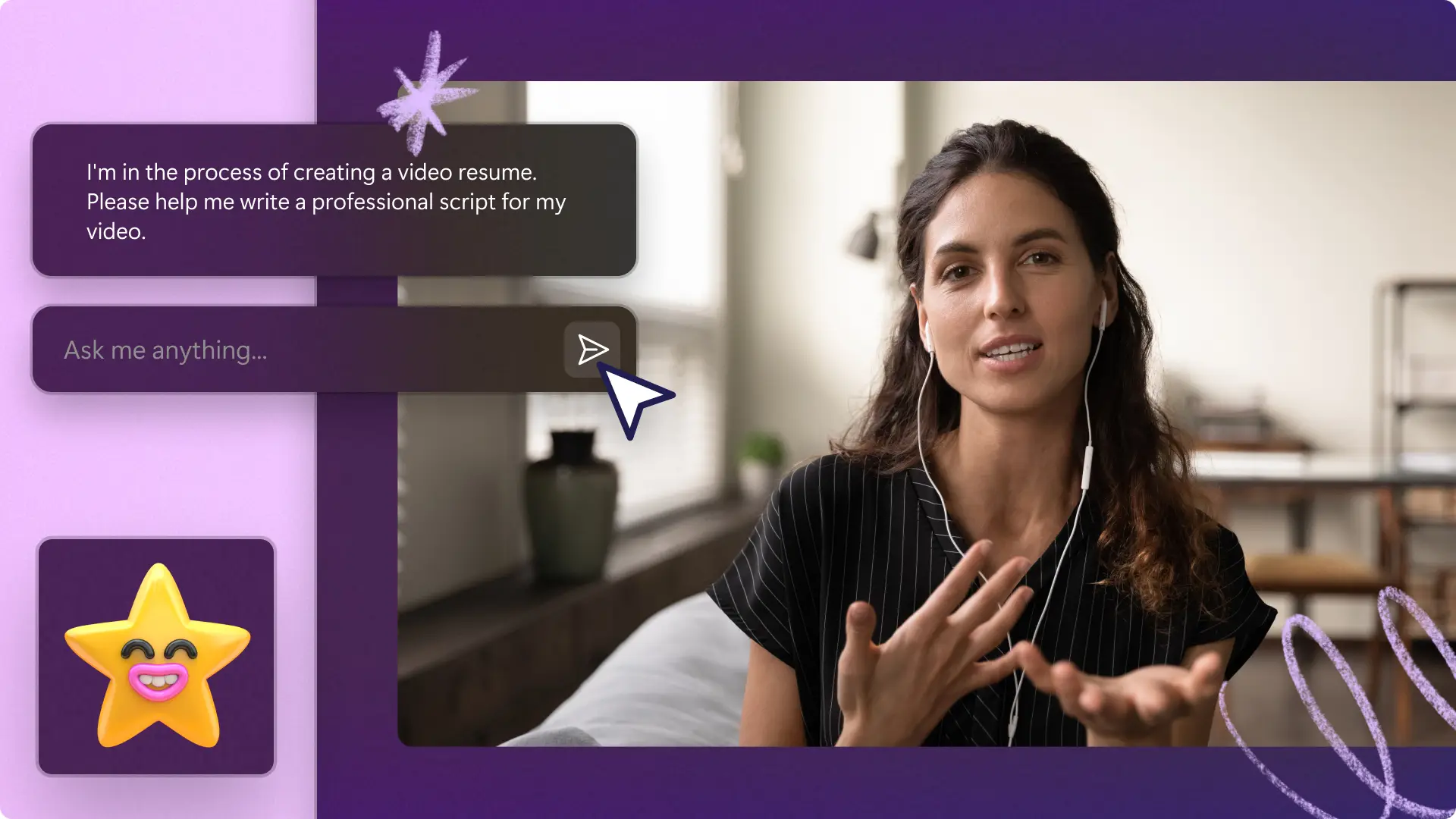
レジュメ動画のスクリプトの書き方 - ヒントとテンプレート
動画履歴書は内定獲得数の増加や職場文化の向上に役立ちますか?もちろんです!

採用担当者の注目を集める
10人中9人の採用担当者が、長い履歴書を読むよりも、動画の履歴書を見る方がよいと答えています。

動画で謙虚にアピール!
これまで達成したことと、それが応募先の企業にどう役立つかを自然に話せます。

パーソナルブランディングをランクアップ
#OpentoWorkのステータスでLinkedInプロフィールに動画履歴書を追加している場合、採用企業に見てもらえる可能性は最大で10倍高くなります。
How to make a video resume in Clipchamp




画面をキャプチャし、ブラウザからシームレスにオーディオを録音
Record with your webcam to speak virtually with recruiters and hiring managers.
Signpost key information with moving text to create engaging animated CVs.
Remove shadows and clean up uneven lighting with the video enhancer.
手順1
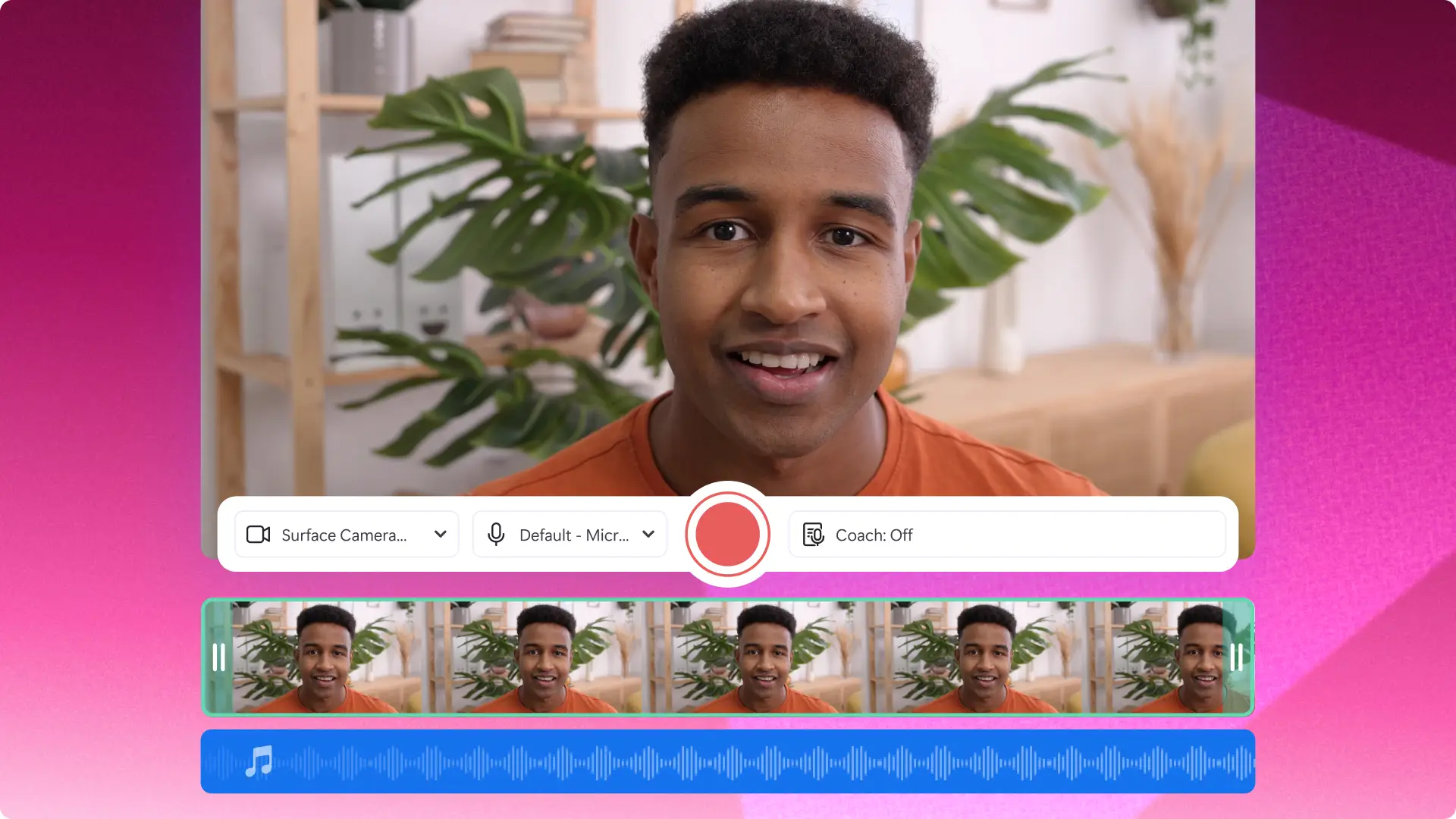
ウェブカメラレコーダーを使用して動画履歴書を作成
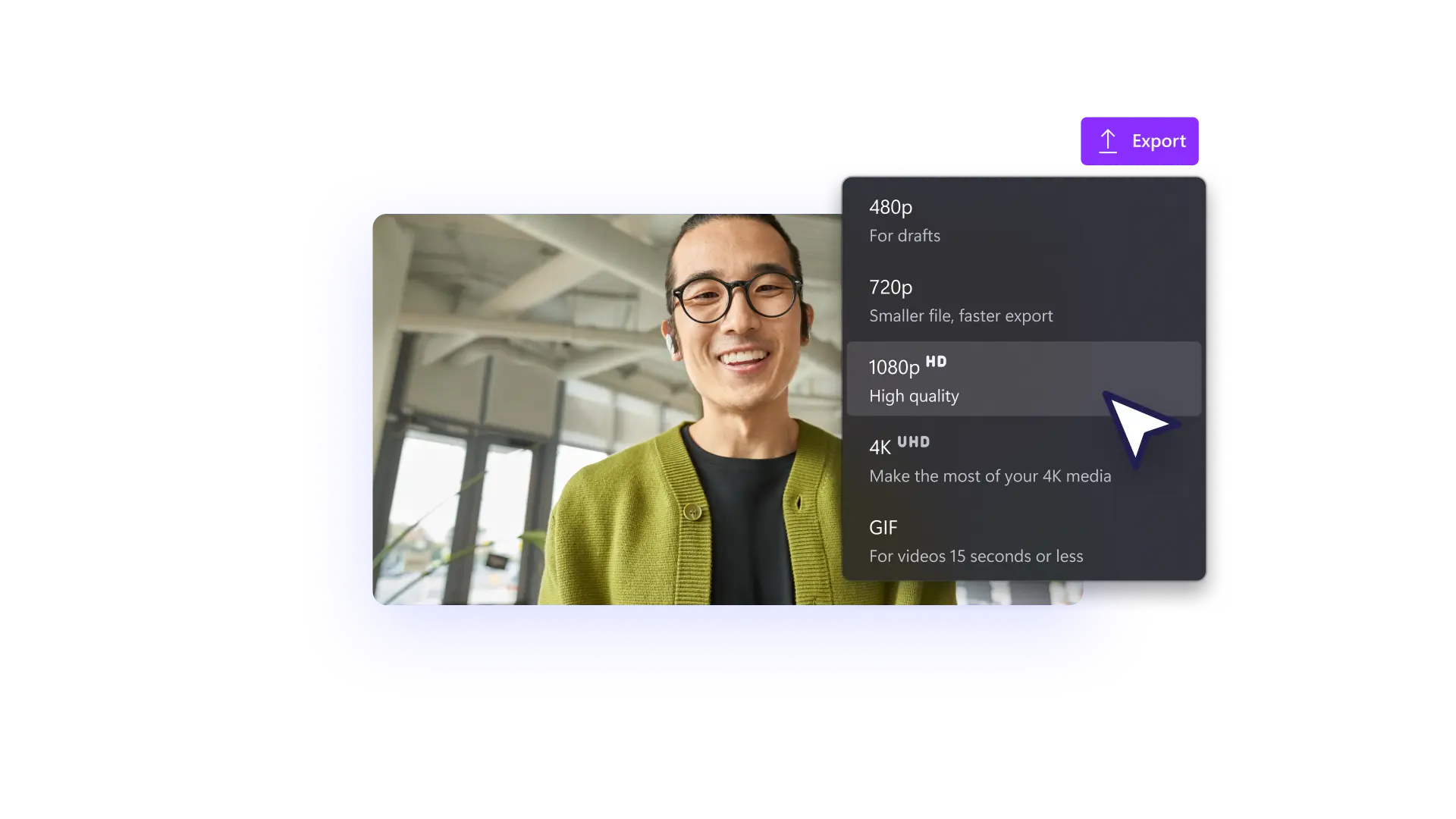
ウェブレコーダーを使用して映像を作成するか、動画ファイルをアップロードして編集を開始します。
手順2
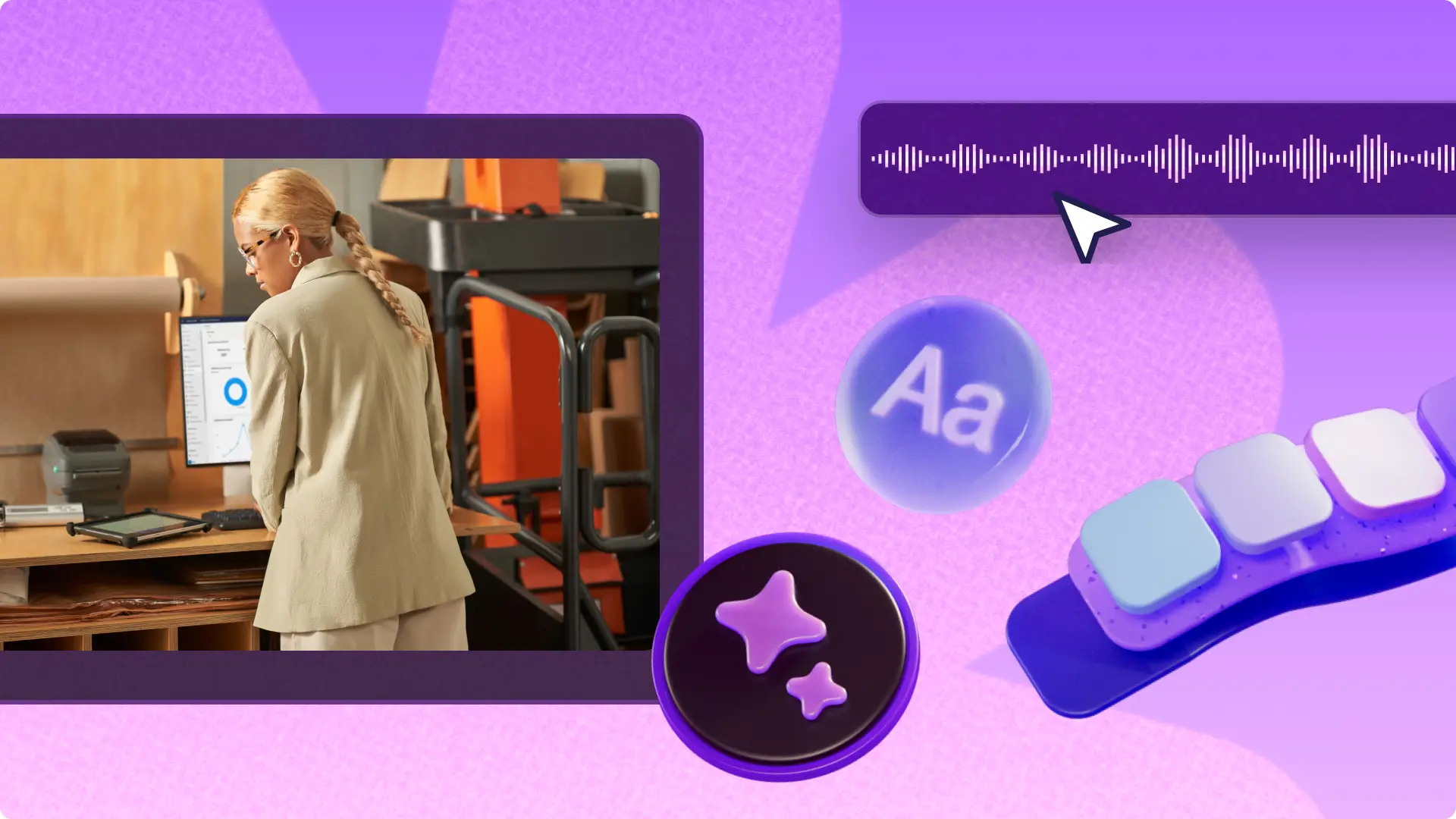
録画を編集して仕上げ
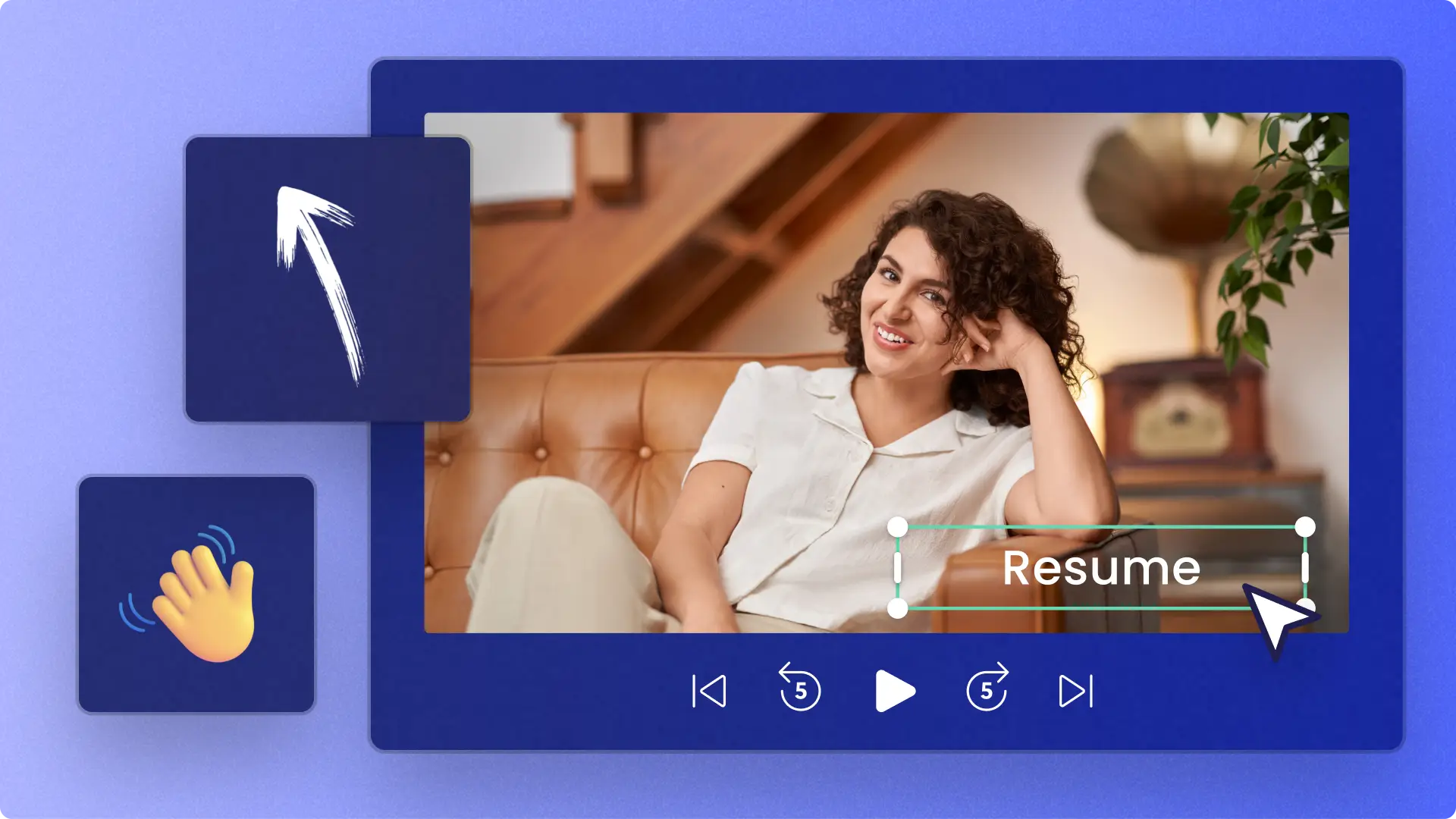
ウェブカメラで録画した内容をドラッグ&ドロップして編集を開始します。メッセージから焦点がブレないよう、テキストと字幕、注釈、トランジションの追加は最小限に抑えます。
Read our related blogs

Frequently asked questions
Is the online webcam recorder in Clipchamp free?
Yes, our webcam recorder for Windows 11, Windows 10, and Mac is free for all Clipchamp users. Sign up today for free to easily record, edit, and save webcam videos all within your web browser.
Clipchampウェブカメラレコーダーは安全でプライベートに使えますか?
はい、プライバシーが保証された状態でウェブカメラの動画を録画・編集できます。他のプロバイダーとは異なり、Clipchampがあなたの動画にアクセスすることはありません。統合を使用して動画を共有しない限り、すべてのカメラ録画はデバイスに残ります。
Do Clipchamp videos have a watermark?
No, Clipchamp doesn’t automatically add any watermarks or Clipchamp branding to your videos. You can add your own watermark using the brand kit tool if you choose.