편집 가능한 비디오 템플릿을 사용하여 비디오를 만드는 방법
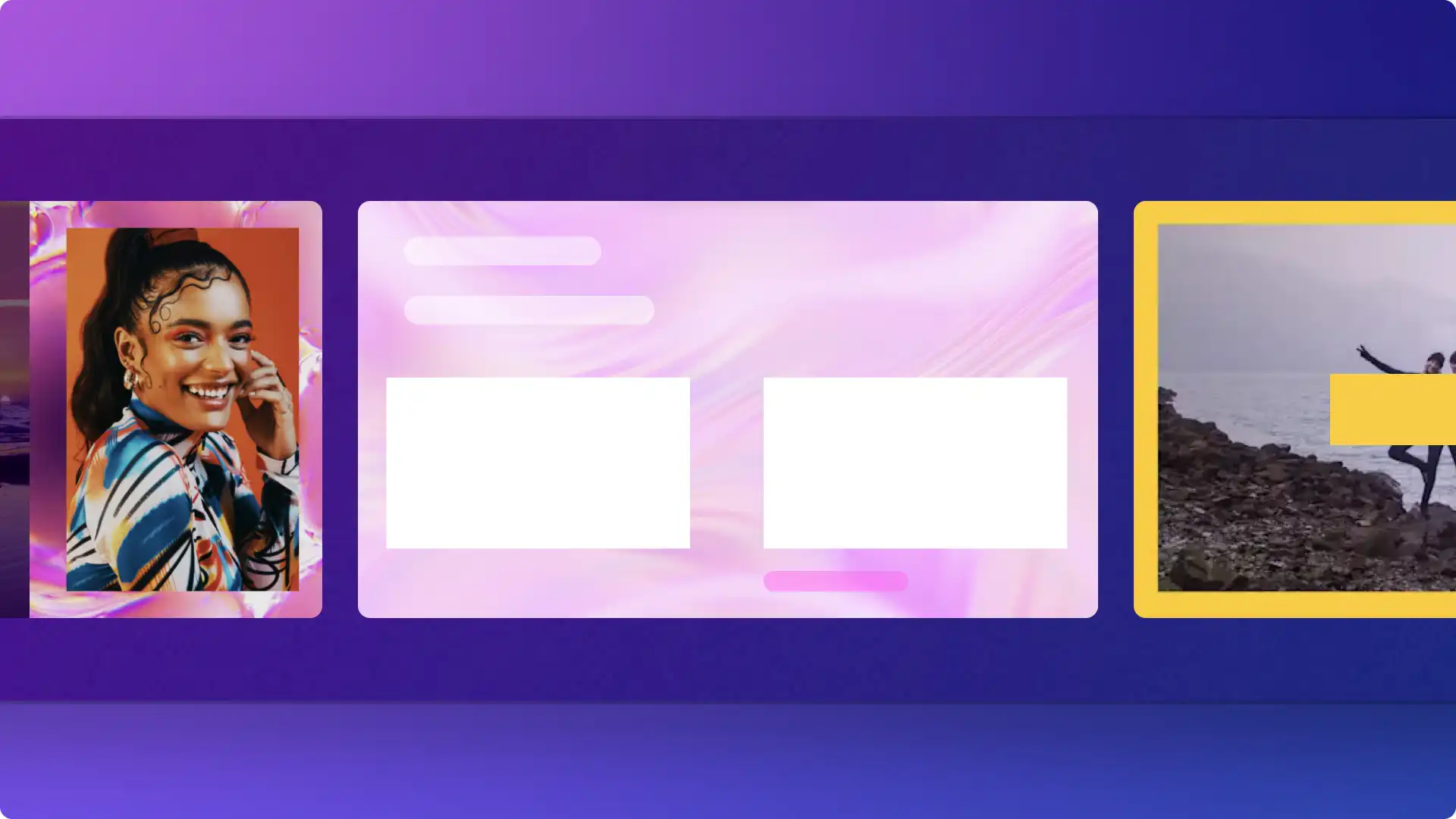
Clipchamp 비디오 편집기에서 편집 가능한 무료 전문 비디오 템플릿을 활용하여 YouTube, Instagram, TikTok 등에서 돋보이는...
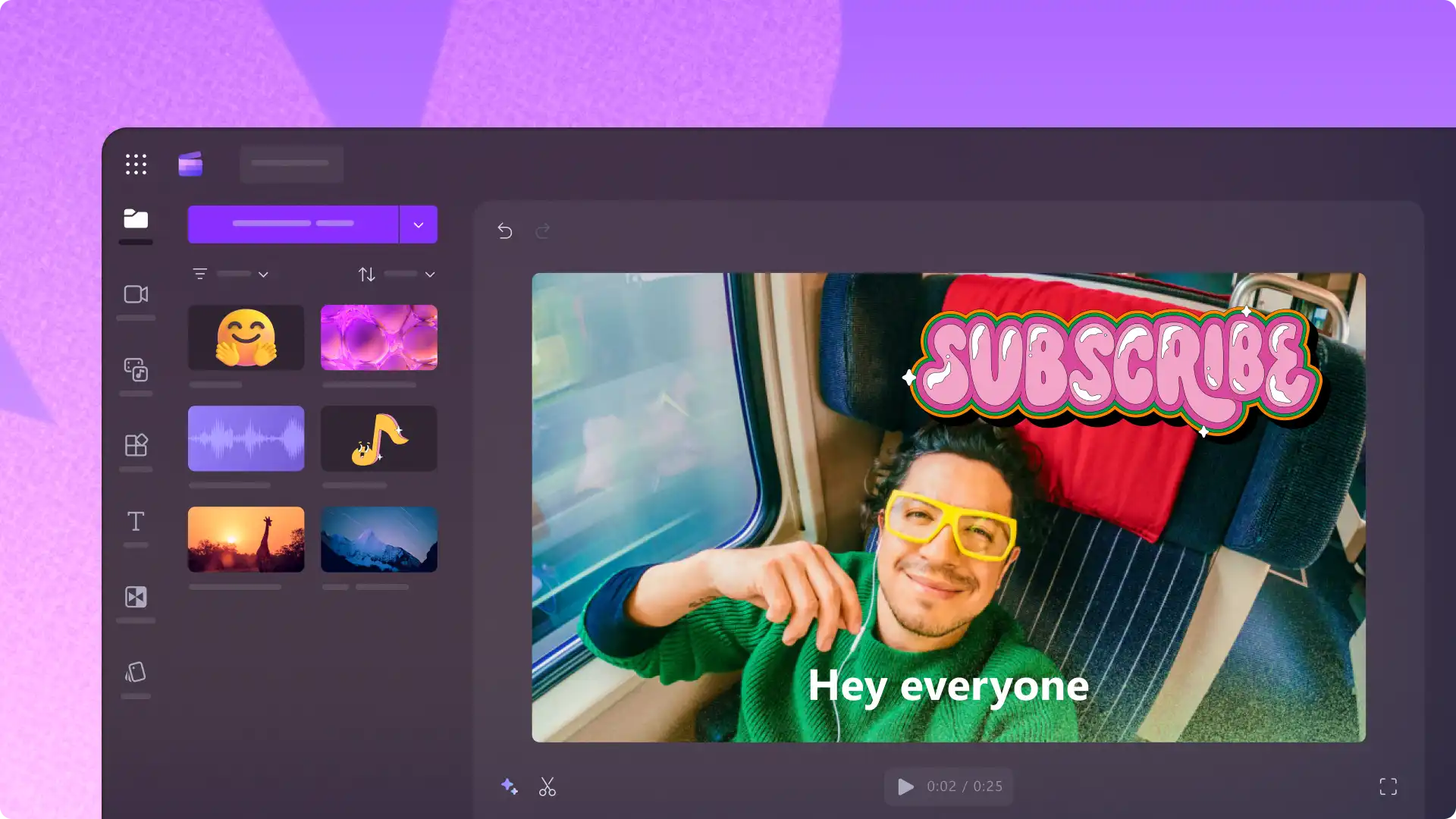
Clipchamp에서 비디오 템플릿, 좋아요 및 구독 스티커, 음향 효과를 사용하여 멋진 YouTube 비디오 편집을 시작하세요.
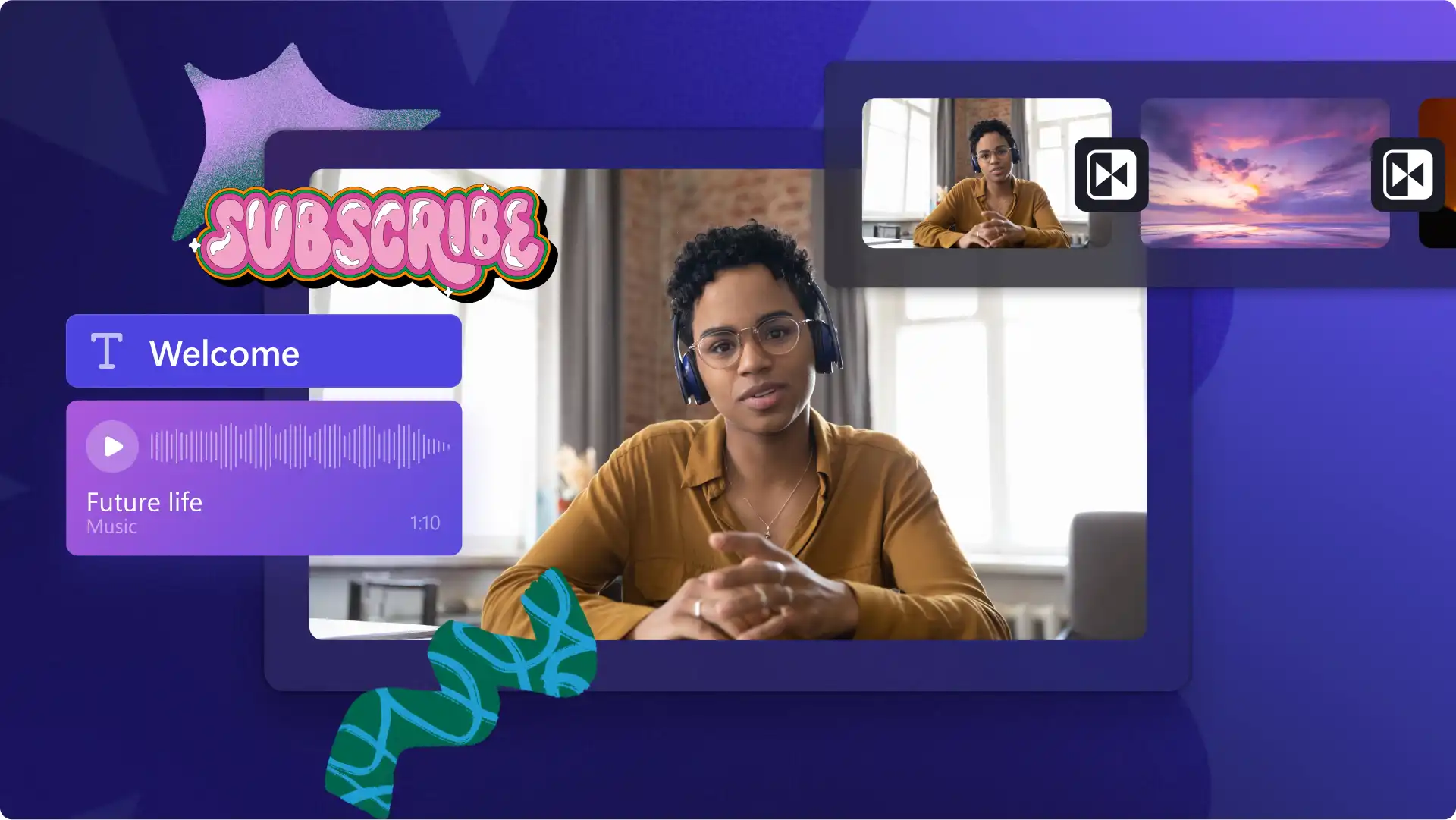
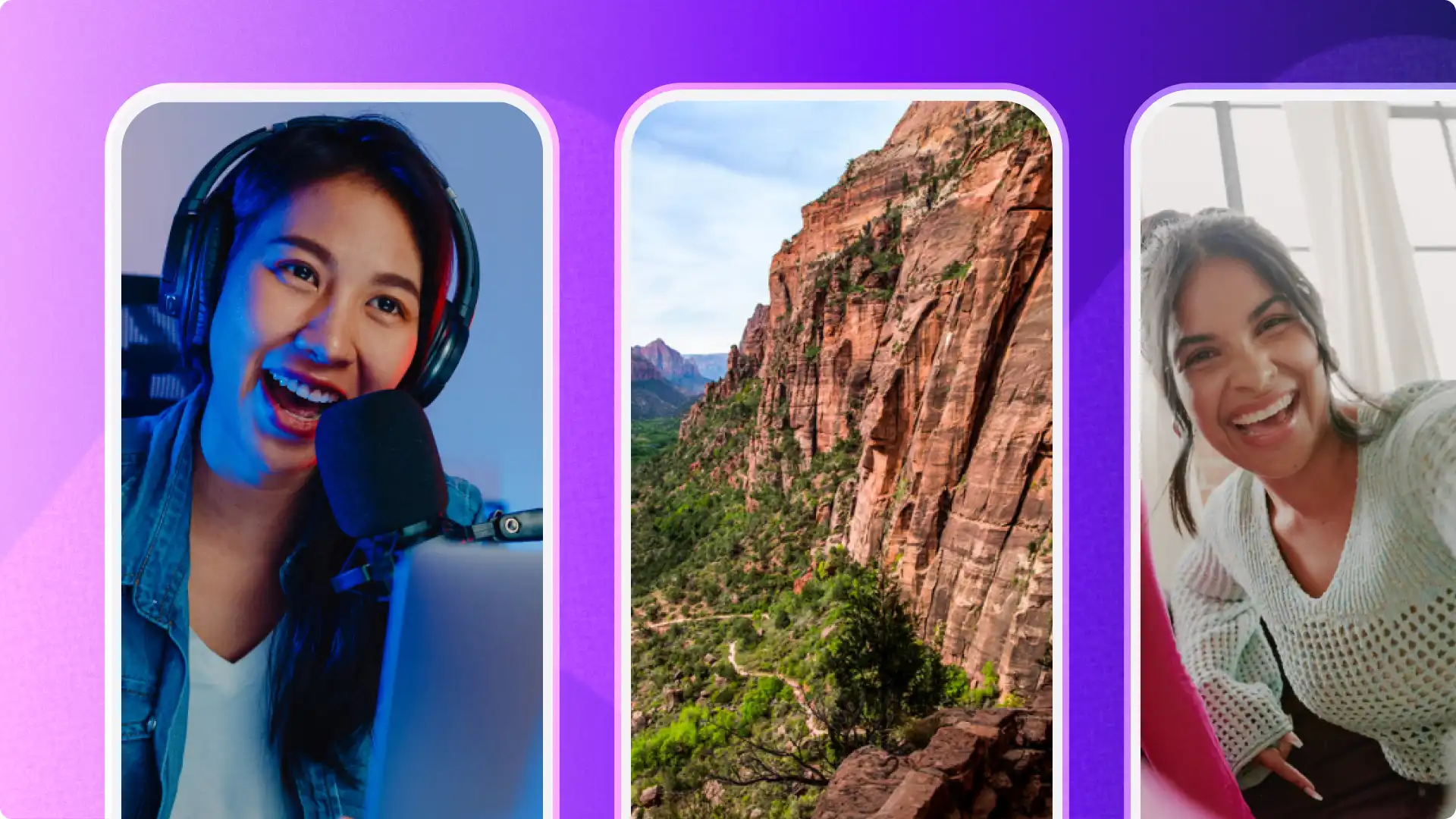
Choose an editable Shorts template or start from scratch for travel highlights, gaming fails, and reaction clips.
Bring Shorts to life with bold text overlays, transitions, and royalty-free music from the content library.
Grow a channel by using video trailer templates to attract new subscribers and drive traffic to full-length videos.
Choose an editable intro template to showcase channel branding, personality, and style in the first few seconds.
Customize animated text, logo overlays, and background footage to create an intro that suits any video aesthetic.
Save a polished intro as a reusable clip to apply consistent branding to every video with ease.
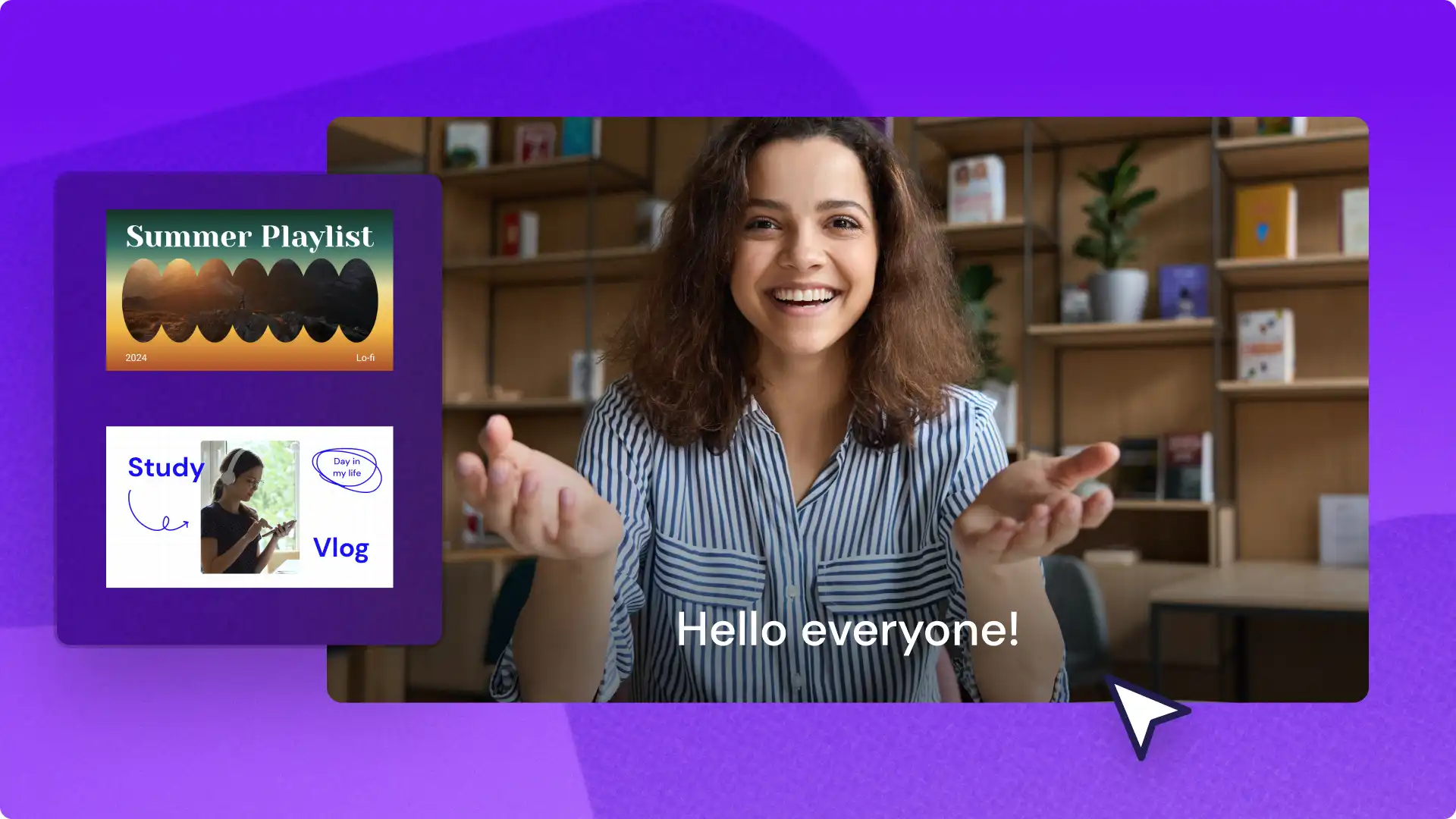
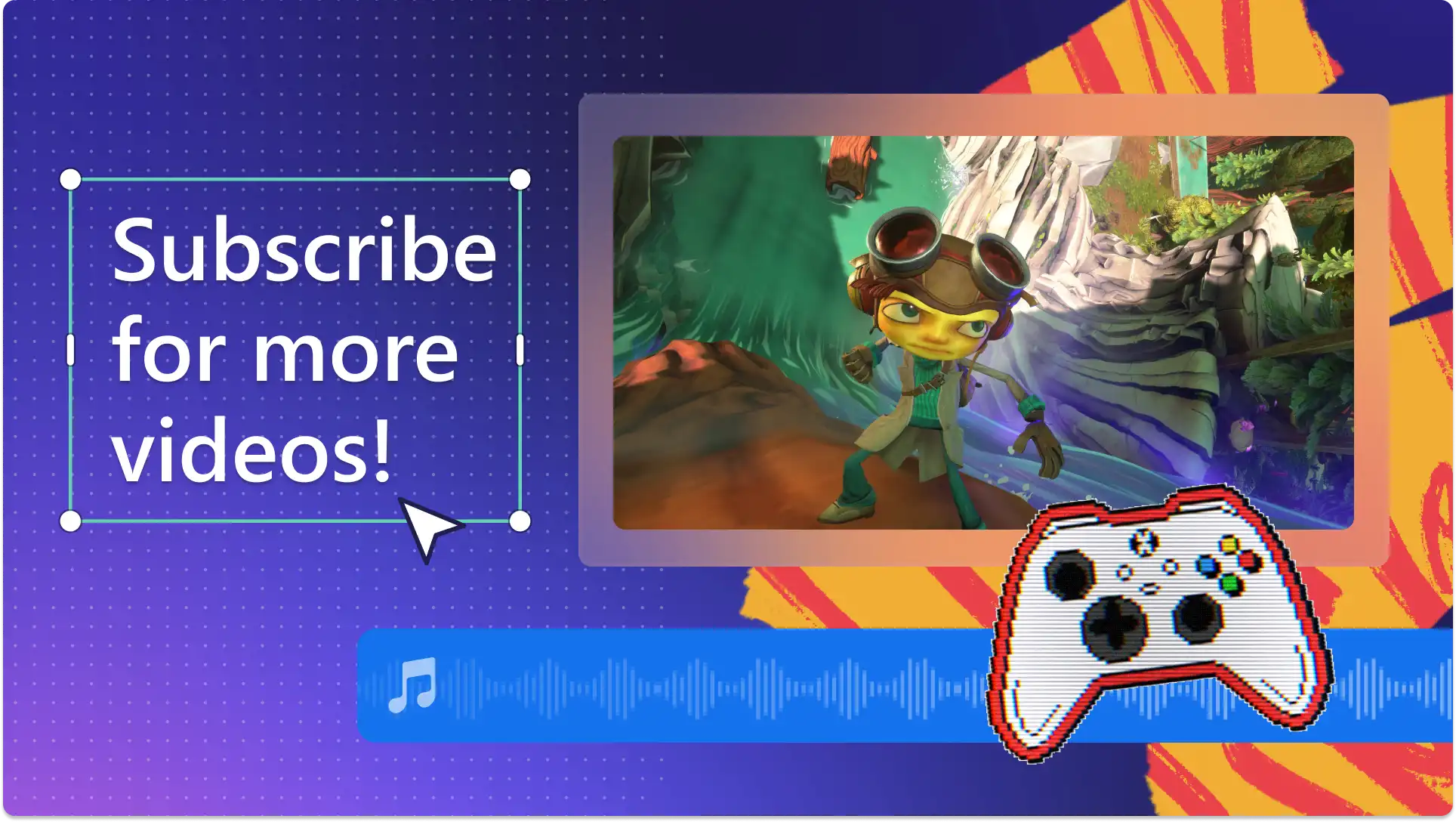
Choose from polished outro templates with branded end screens to guide viewers toward more content on the channel.
Boost engagement by adding a channel logo, social media handles, and video recommendations to every outro.
Convert viewers into subscribers with a clear call-to-action end screen directing traffic to playlists and more content.
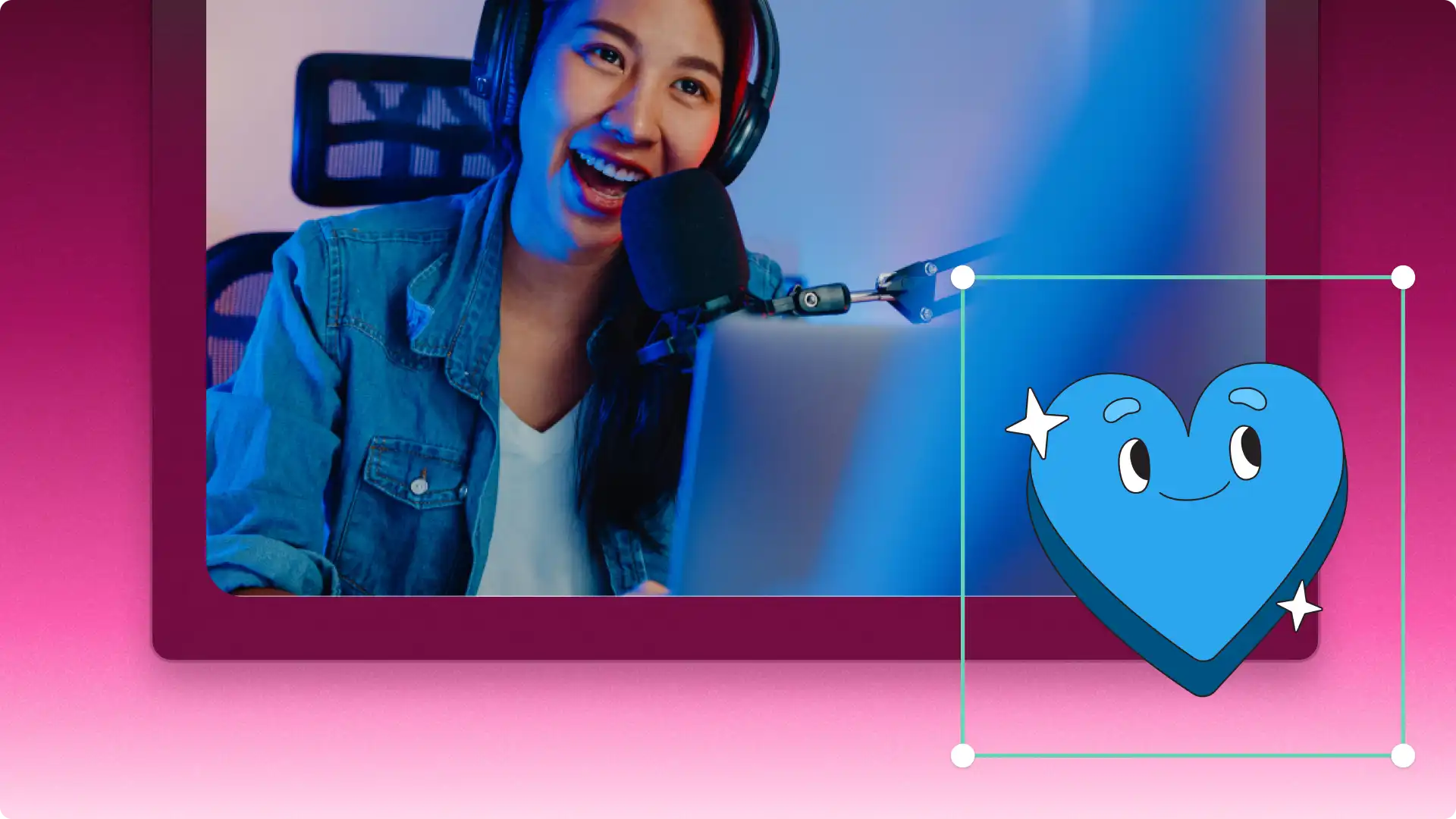
Add like and subscribe animation templates and bell icon pop-ups to intros and outros to boost channel engagement.
Use animated social media icon templates and account name overlays to drive viewers to follow across other platforms.
Polish videos with sleek lower third templates to display names, locations, and talking points in any video.
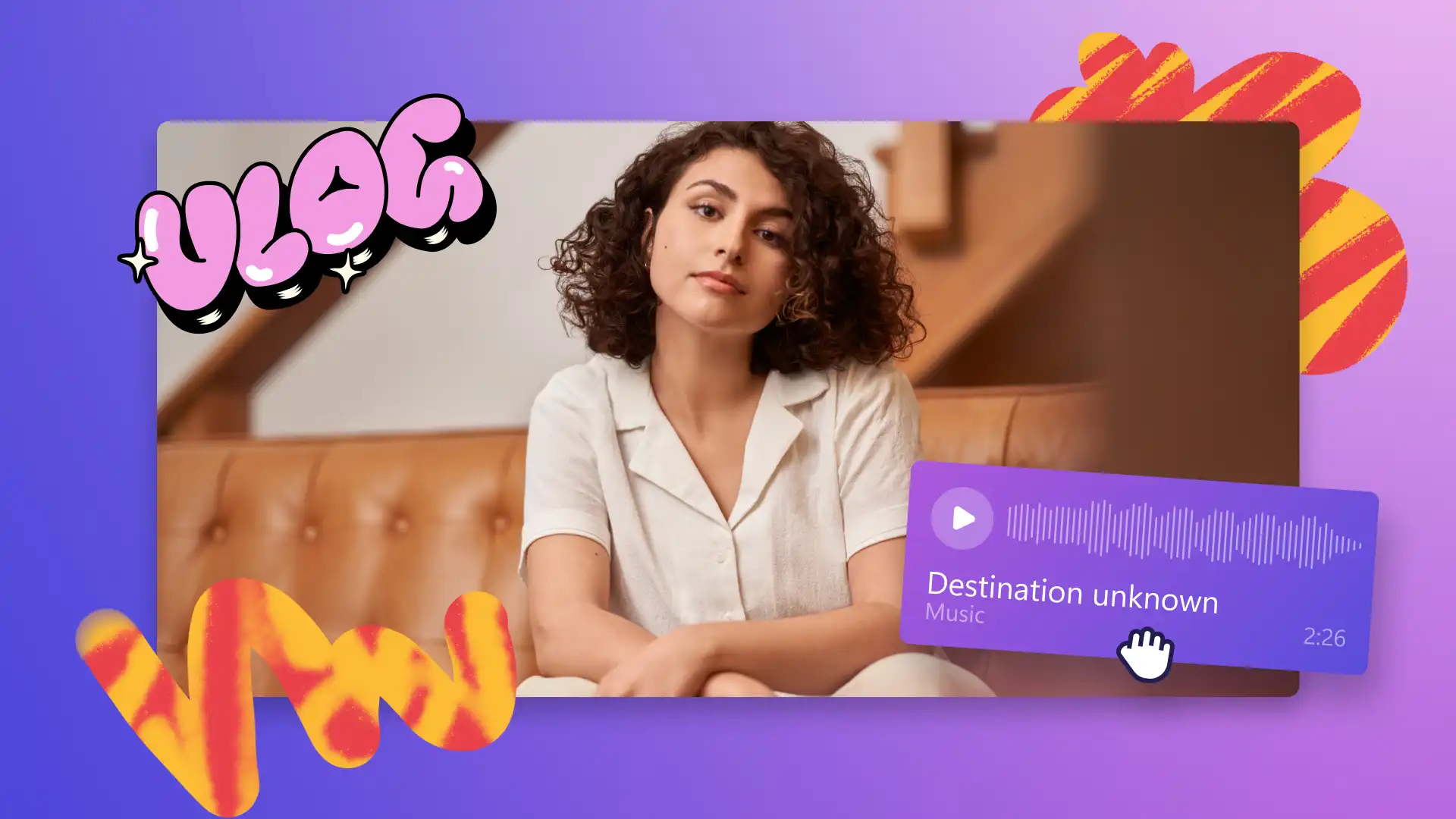
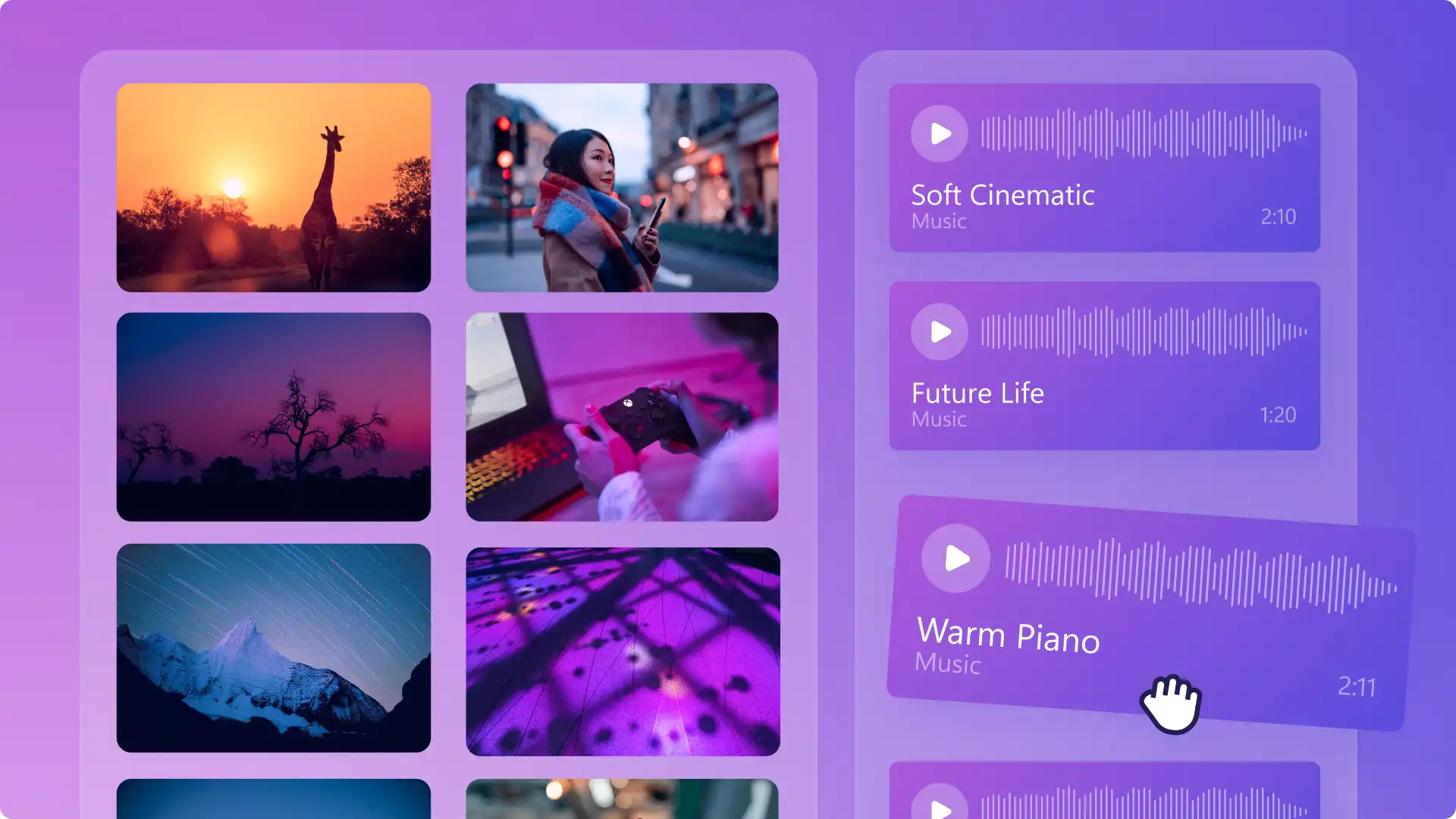
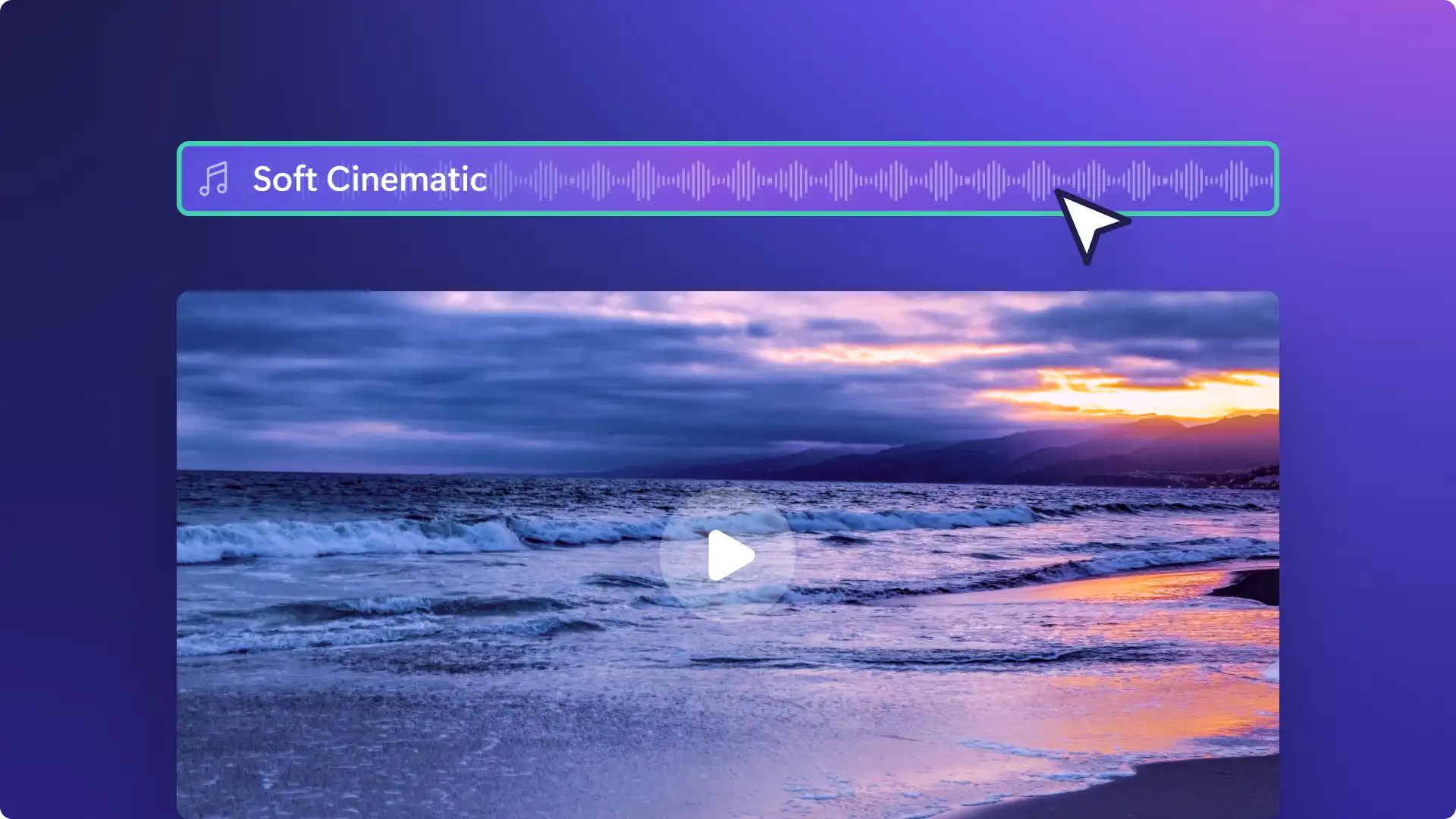
콘텐츠 라이브러리에서 팝, 힙합, 재즈, 로파이, 기업용 등 다양한 장르의 독점 저작권료 없는 음악 트랙을 만나보세요.
엄선된 로파이와 업비트 음악 컬렉션으로 여행 브이로그, 라이프스타일 콘텐츠, 게임 하이라이트에 꼭 맞는 오디오를 찾아보세요.
벨과 딩 소리, 알림음, 기타 다양한 효과음을 더해 어떤 YouTube 영상이든 한층 더 몰입감 있고 역동적으로 완성해 보세요.

Clipchamp로 전문가 수준의 비디오를 빠르고 쉽게 만들고 편집하세요. 브라우저에서 끌어서 놓기 기능으로 비디오 편집기를 사용하세요. 다운로드가 필요하지 않습니다. Clipchamp에는 모든 YouTube 비디오 요구 사항을 충족하는 세심하게 디자인된 템플릿과 콘텐츠의 품질을 높여 주는 비디오 효과가 있습니다.