The ultimate guide to Instagram videos
Learn everything you need to know about Instagram videos like video specifications...
Create Instagram Reels, Stories, and ads online with video templates, graphics, and AI editing tools in Clipchamp. No downloads required.


Choose from a range of Instagram video templates, add footage, then customize the look and feel to match an Instagram aesthetic. There's a creative starting point for every video format, from lifestyle to travel videos.

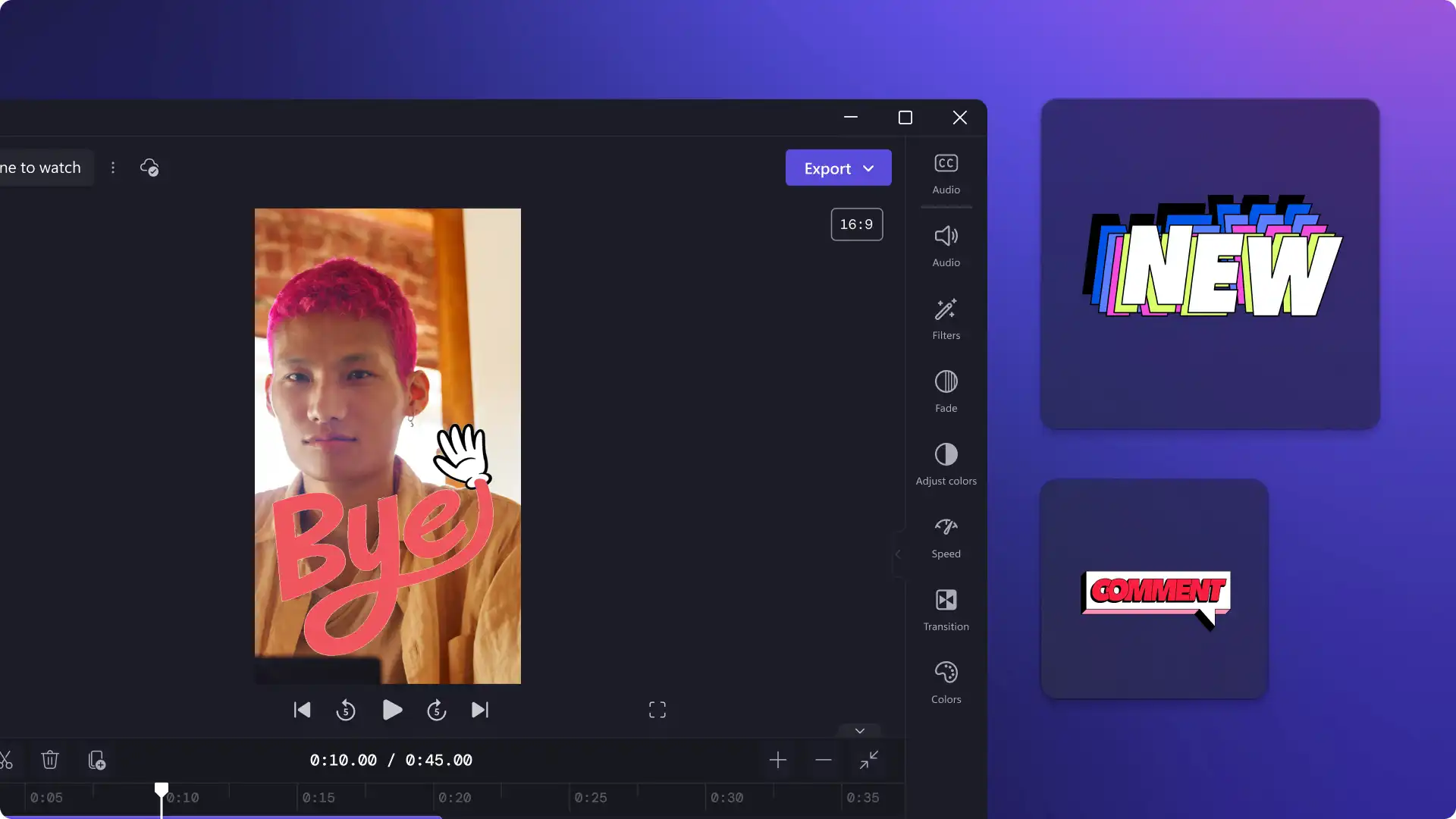
Add eye-catching video elements to Instagram videos. Search the content library to find animated graphics like ‘swipe up’ and ‘link in bio’, account name overlays, and trending sticker overlays.

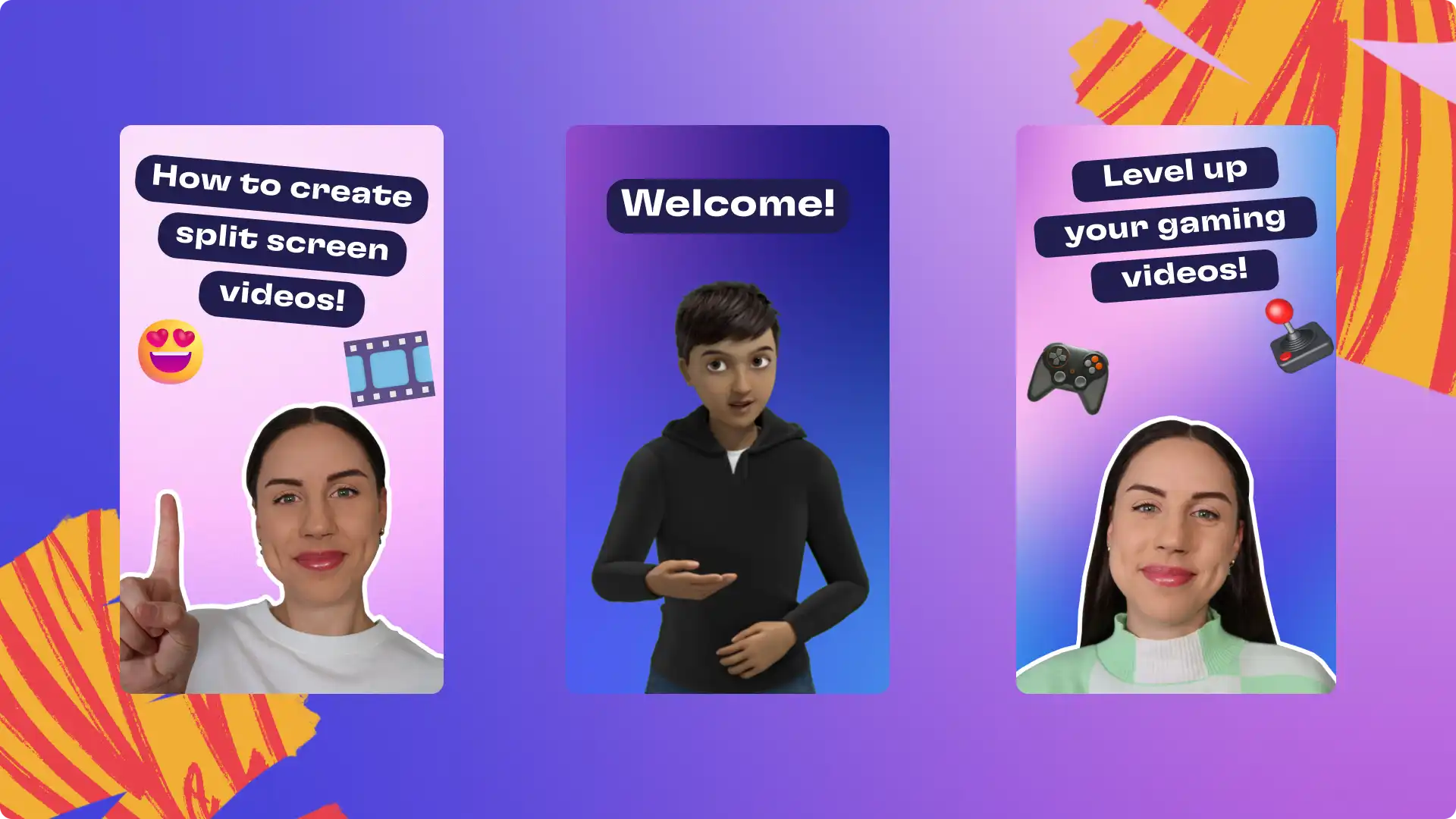
Enhance video storytelling with the right narration. Record voice or create a an AI voiceover with the text to speech generator. Make videos accessible and easy-to-view on the feed with the sound off using autocaptions.
Start from blank or choose an editable template to create reaction videos, challenge content, and DIY clips.
Bring creative Reel ideas to life like travel highlights, lifestyle content, and product showcases with polished effects.
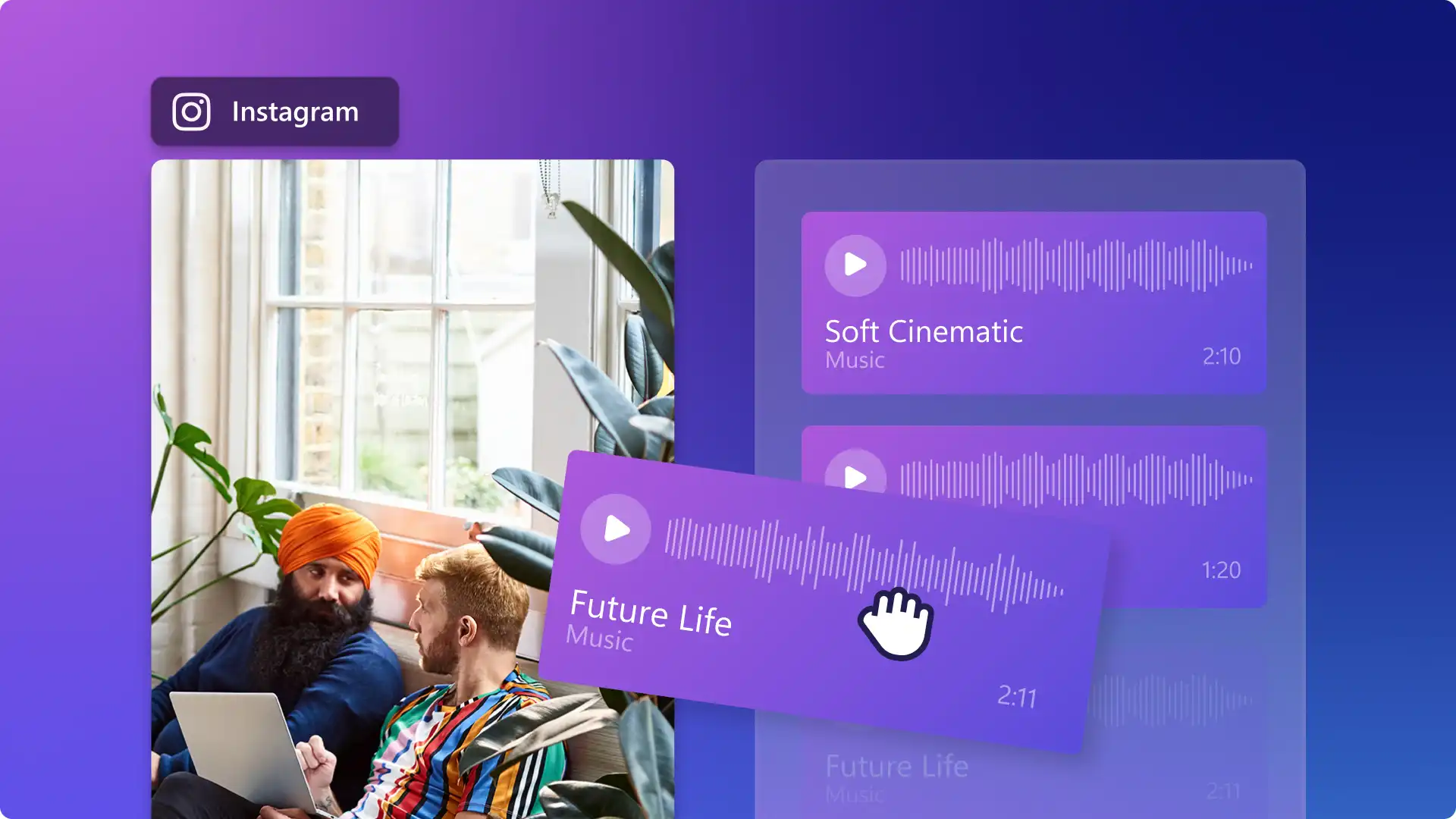
Enhance videos with aesthetic filters, call-to-action graphics, and royalty-free background music.
Create Story updates with behind-the-scenes clips, sale previews, and sponsored collabs.
Add countdown stickers, swipe-up graphics, and account name overlays from the content library.
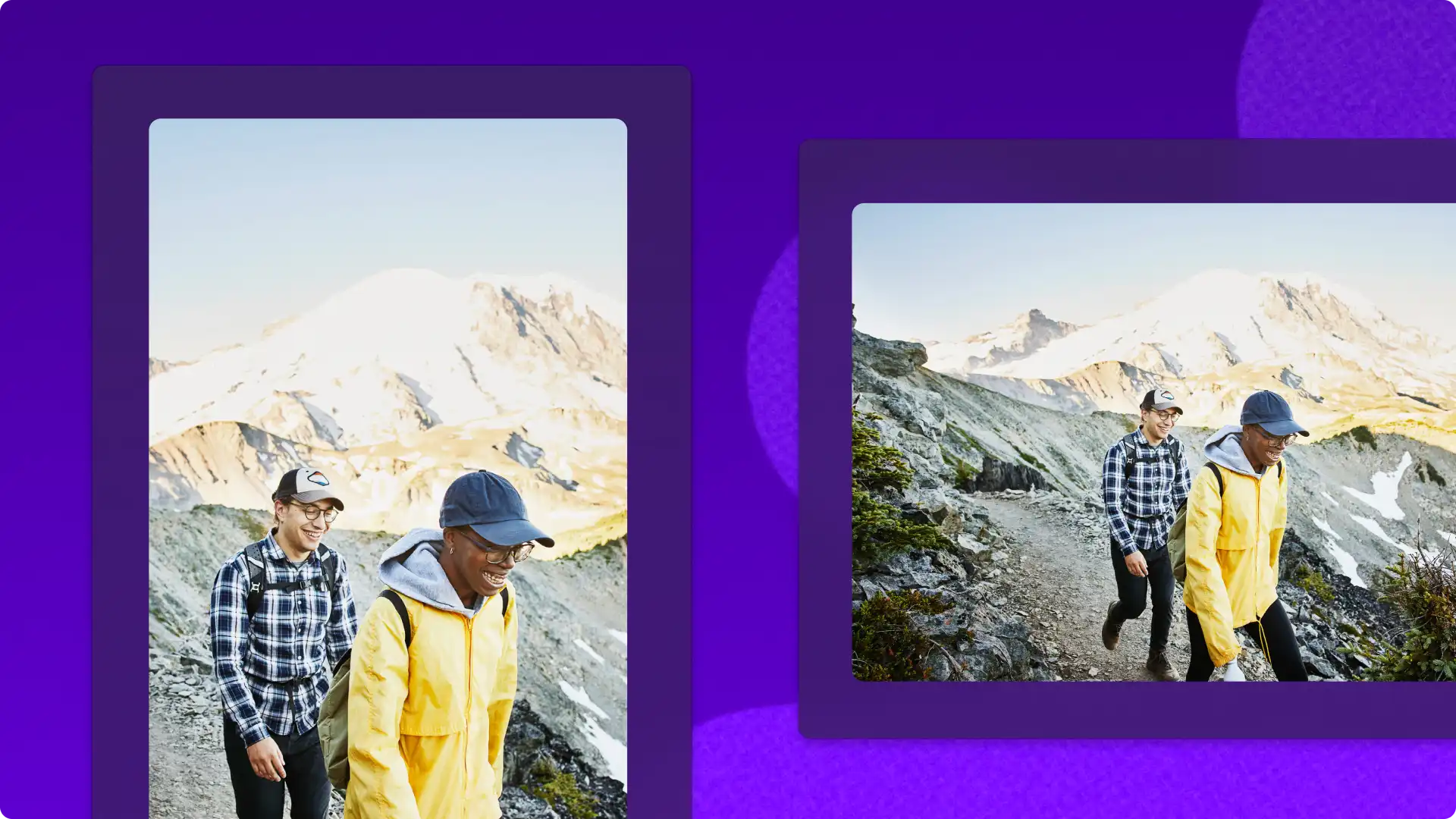
Repurpose existing videos in one click using the video resizer and create vertical Stories perfectly.
Make Instagram Reel ads for brand videos, sales promos, and explainer videos.
Produce ads with owned footage or stock video clips that resonate with customers.
Save themed colors, logos, and fonts in the brand kit and apply them in a click.


Browse short video templates designed to make a great impression in the feed.
Swap in footage, update text overlays, and add music to match a brand or personal style.
Save videos in 1080p HD with no watermark, ready to post directly to Instagram.

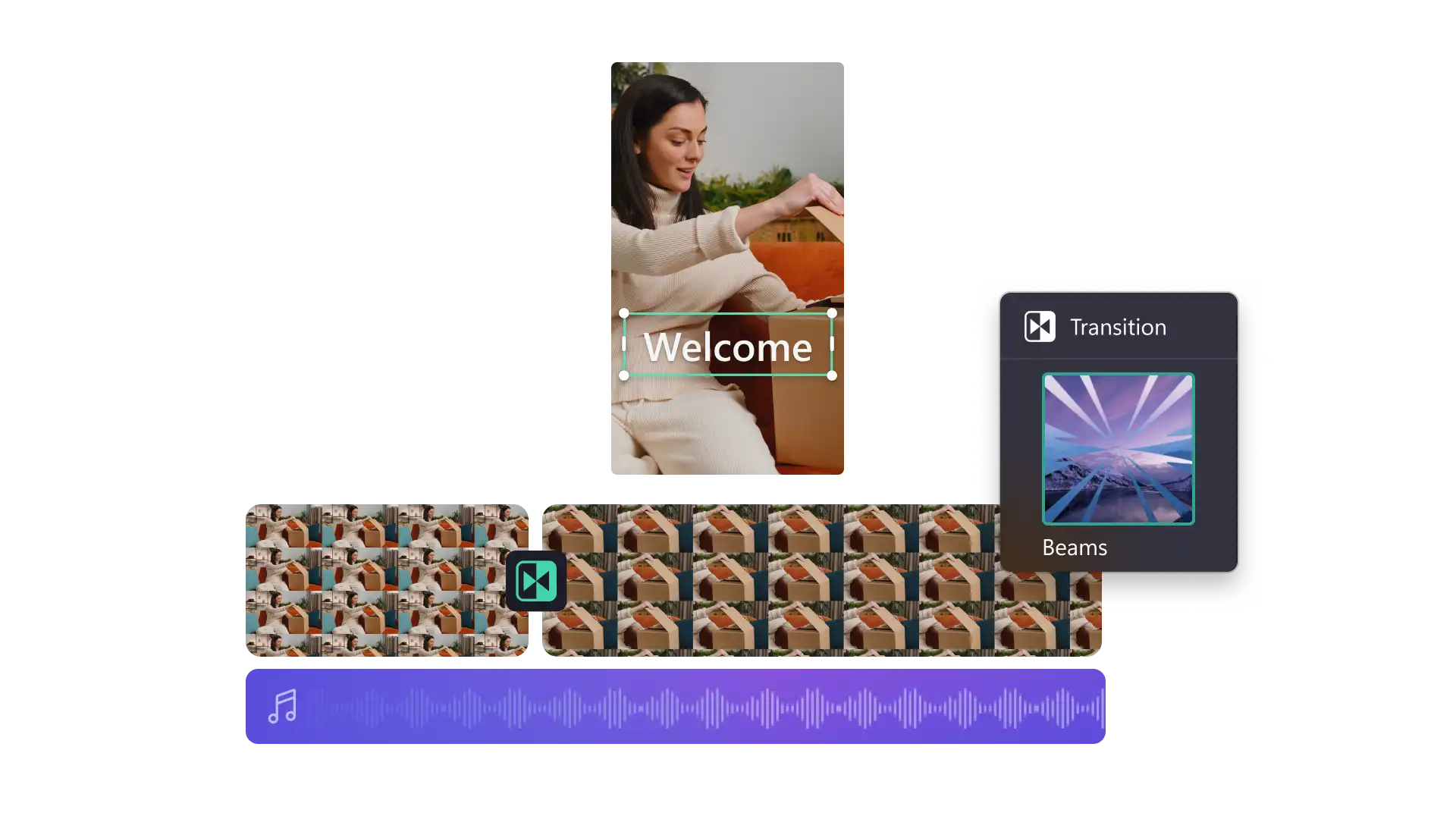

The user-friendly interface, range of video editing tools, and editable templates makes Clipchamp a great choice for everyday video editors. Beginners and experienced creators can find intuitive video editing features needed to create eye-catching videos with ease.
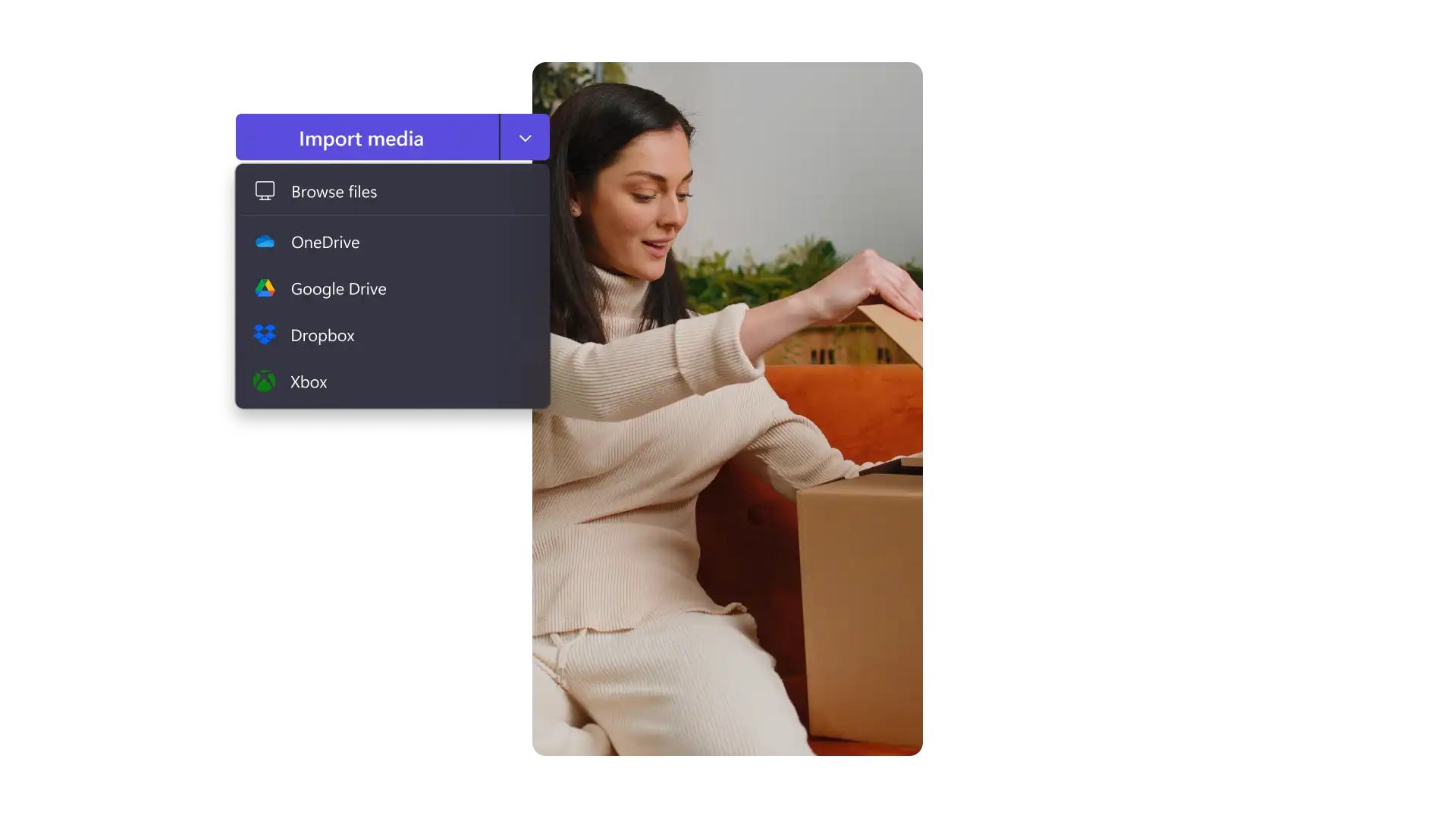
Footage and images can be uploaded from a device or cloud storage like OneDrive, with stock videos and music from the content library also available to enhance any video.
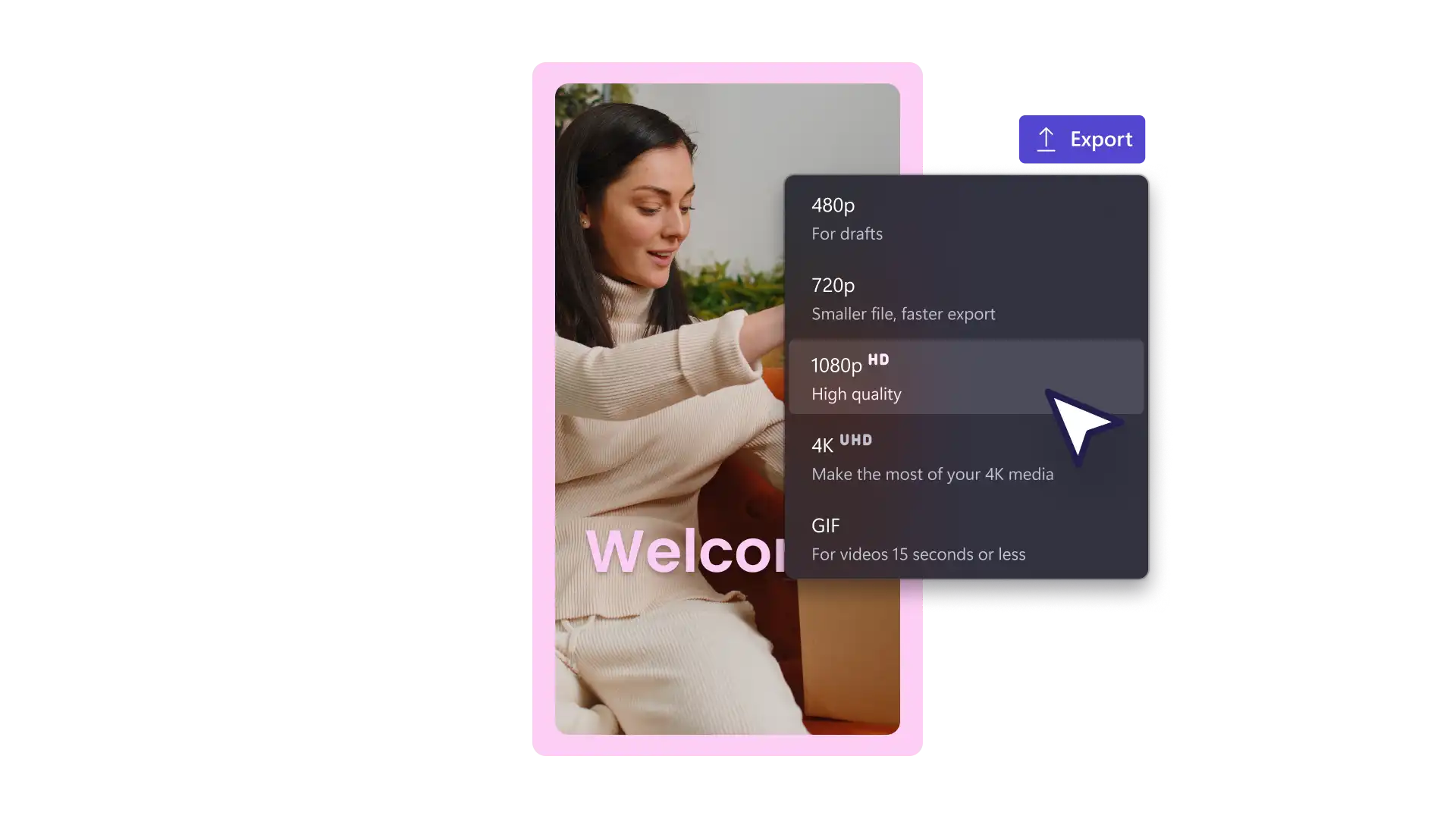
Clipchamp video editor exports videos in MP4, which is ideal for Instagram. Resolution and quality options are available to suit different needs. To export in 4K, consider upgrading for higher-resolution output.
Strong Instagram videos combine clear visuals, well-chosen music, and eye-catching motion graphics that suit the format. Creators can use trending audio, bold text overlays, and aesthetic filters to build a recognizable style. Businesses can use consistent brand colors, logos, and a clear call to action to drive traffic and convert viewers.