10 product demo video examples and tips
Explore the best product demo video examples and useful tips to create your own product...
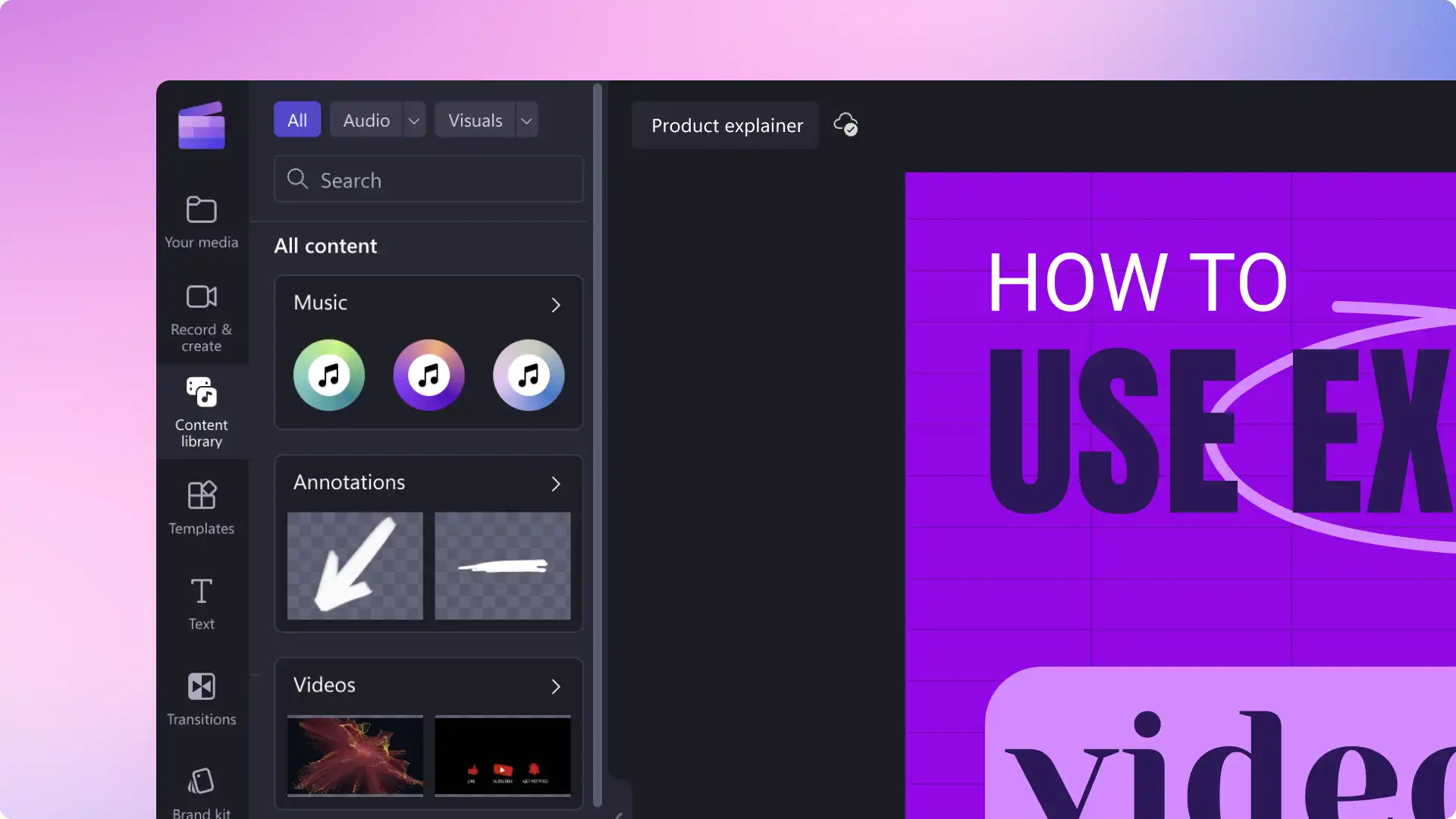
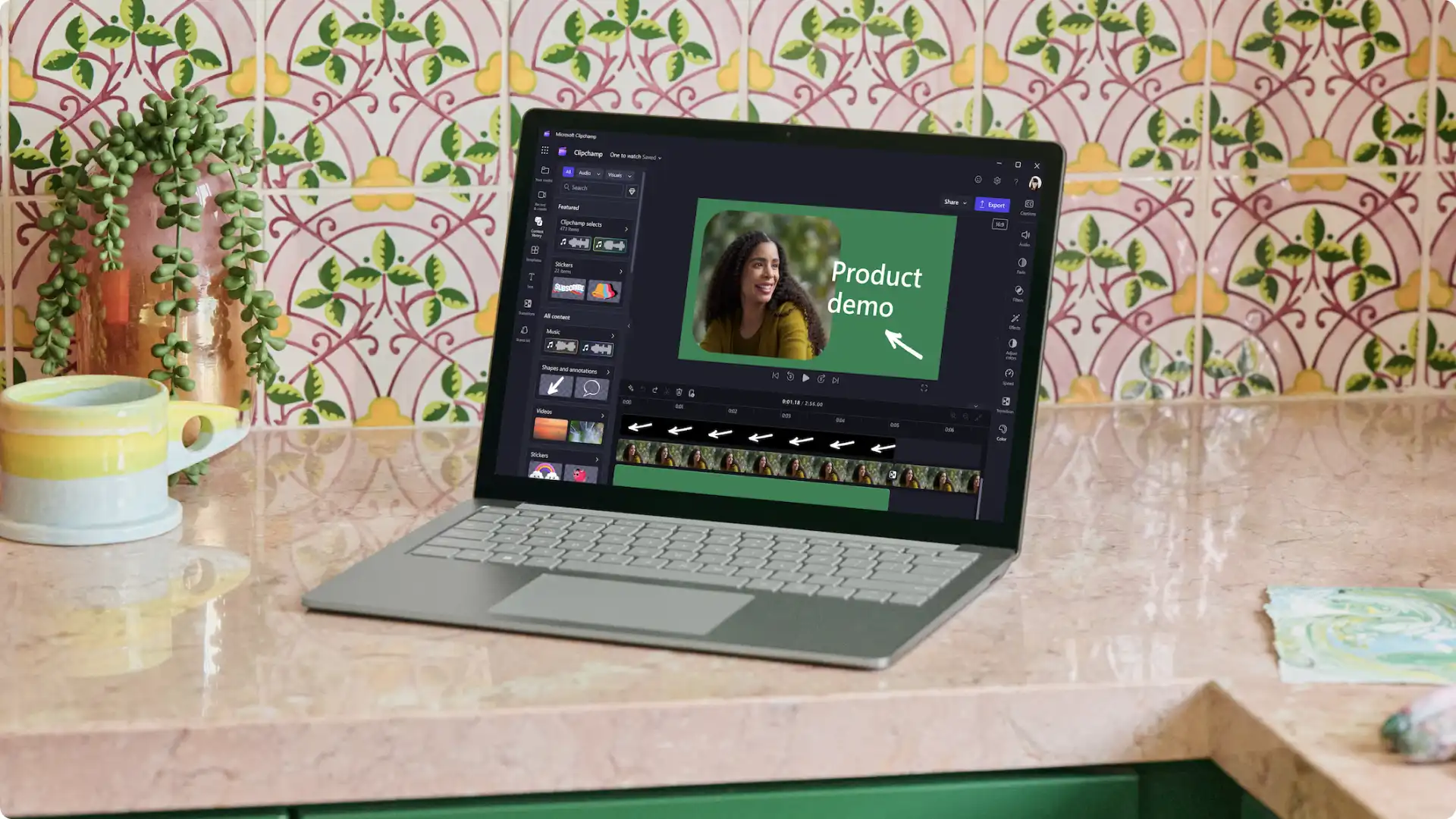
Create professional-looking demo videos in your browser for free with Clipchamp.

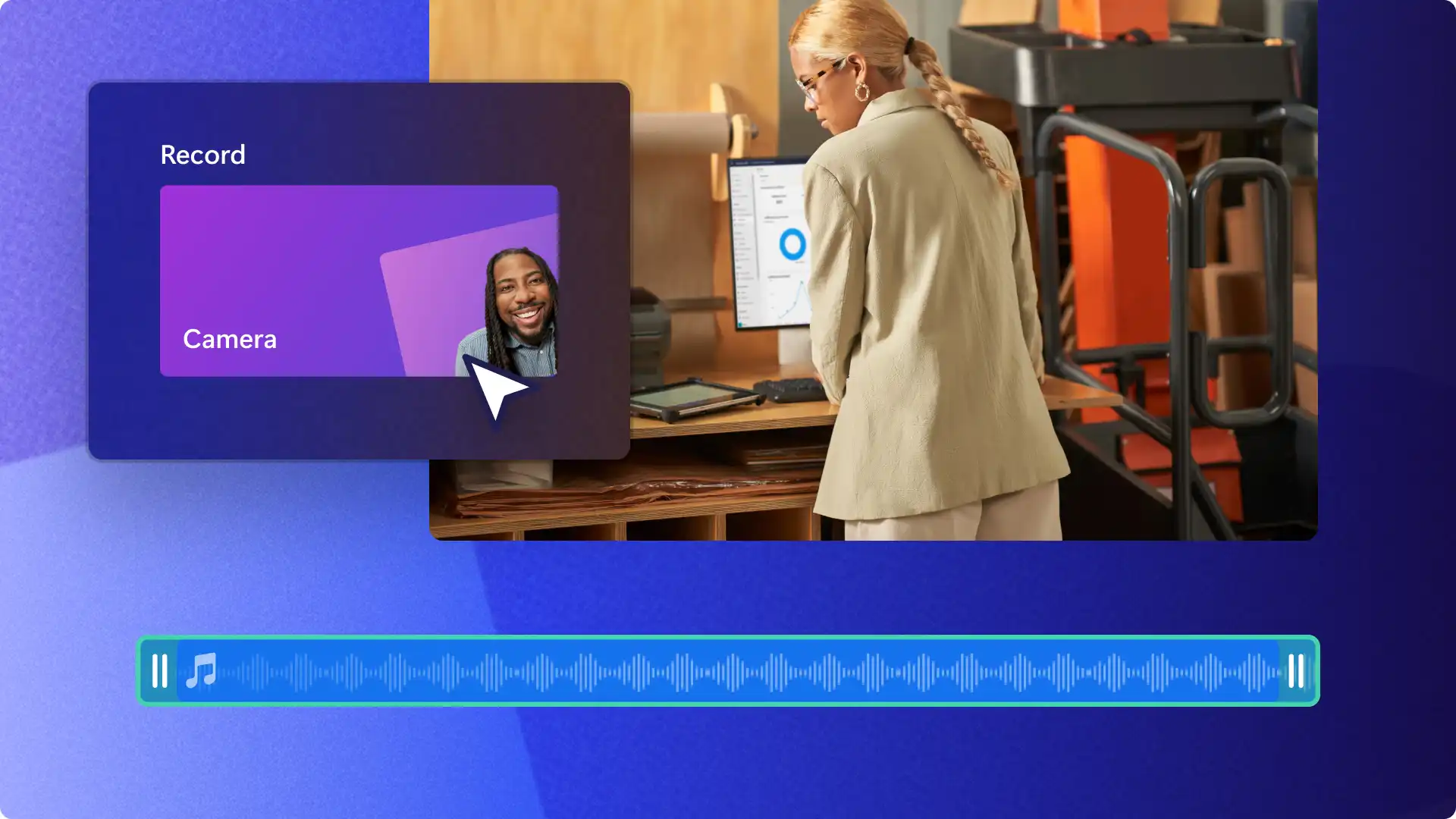
Personalize your product demos by recording yourself with our webcam recorder, or record your software demo videos with our screen and camera recorder.

Create more accessible demo videos by adding subtitles in global languages with the subtitle generator. Boost video SEO by downloading your video transcript and adding it to the YouTube description or turning it into an article.
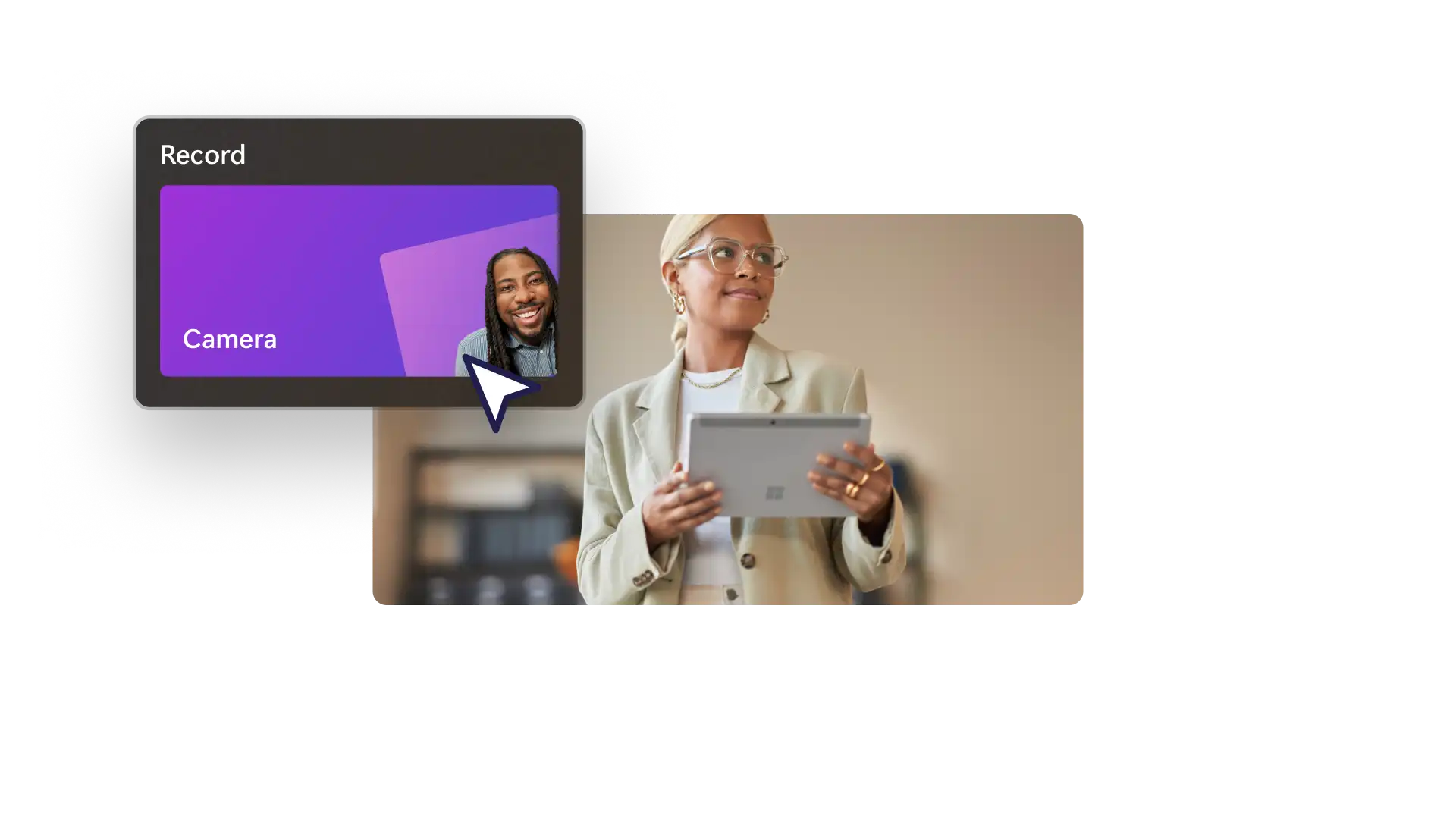
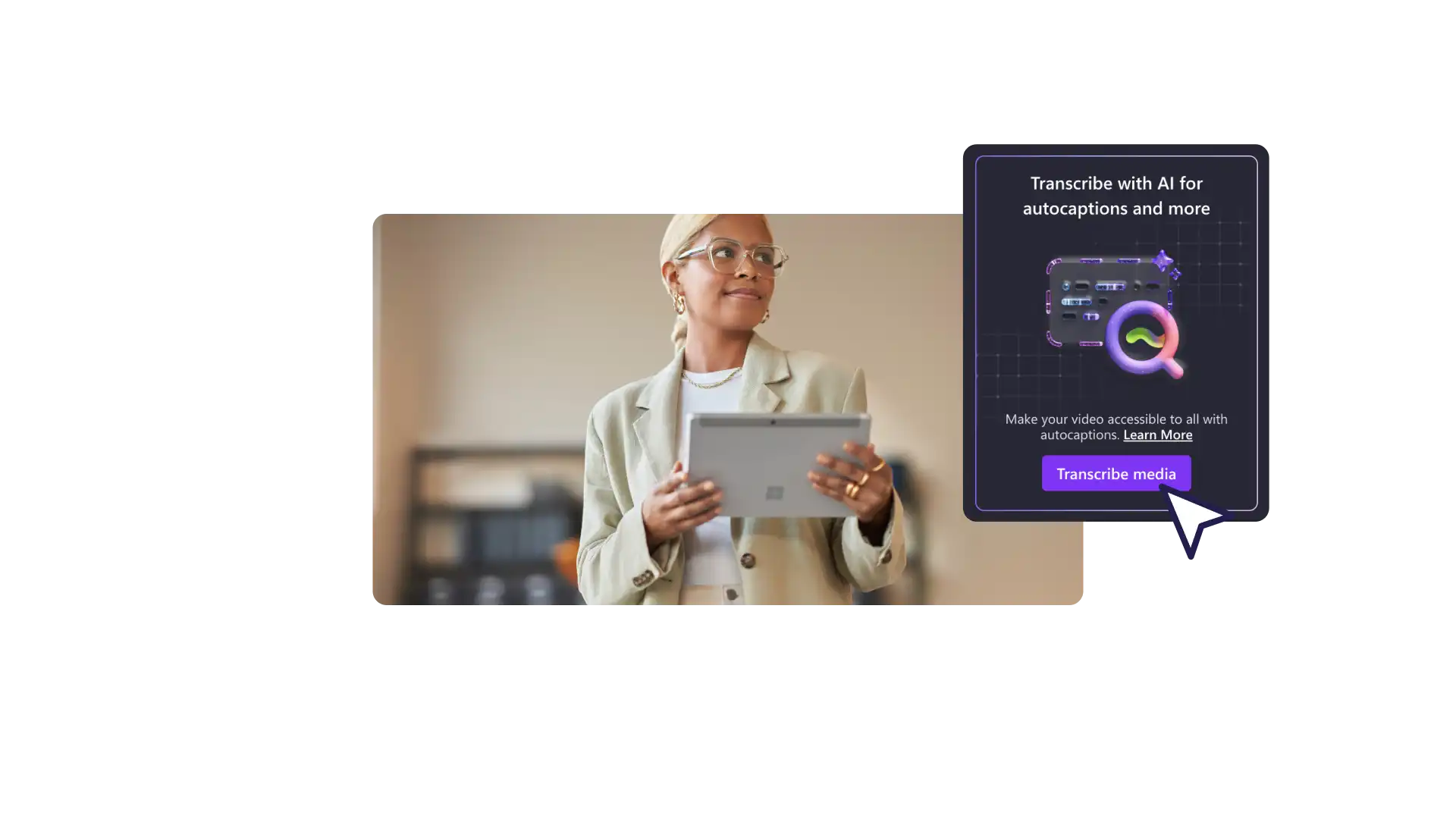
Show how your product solves customer pain points with the screen and camera recorder.
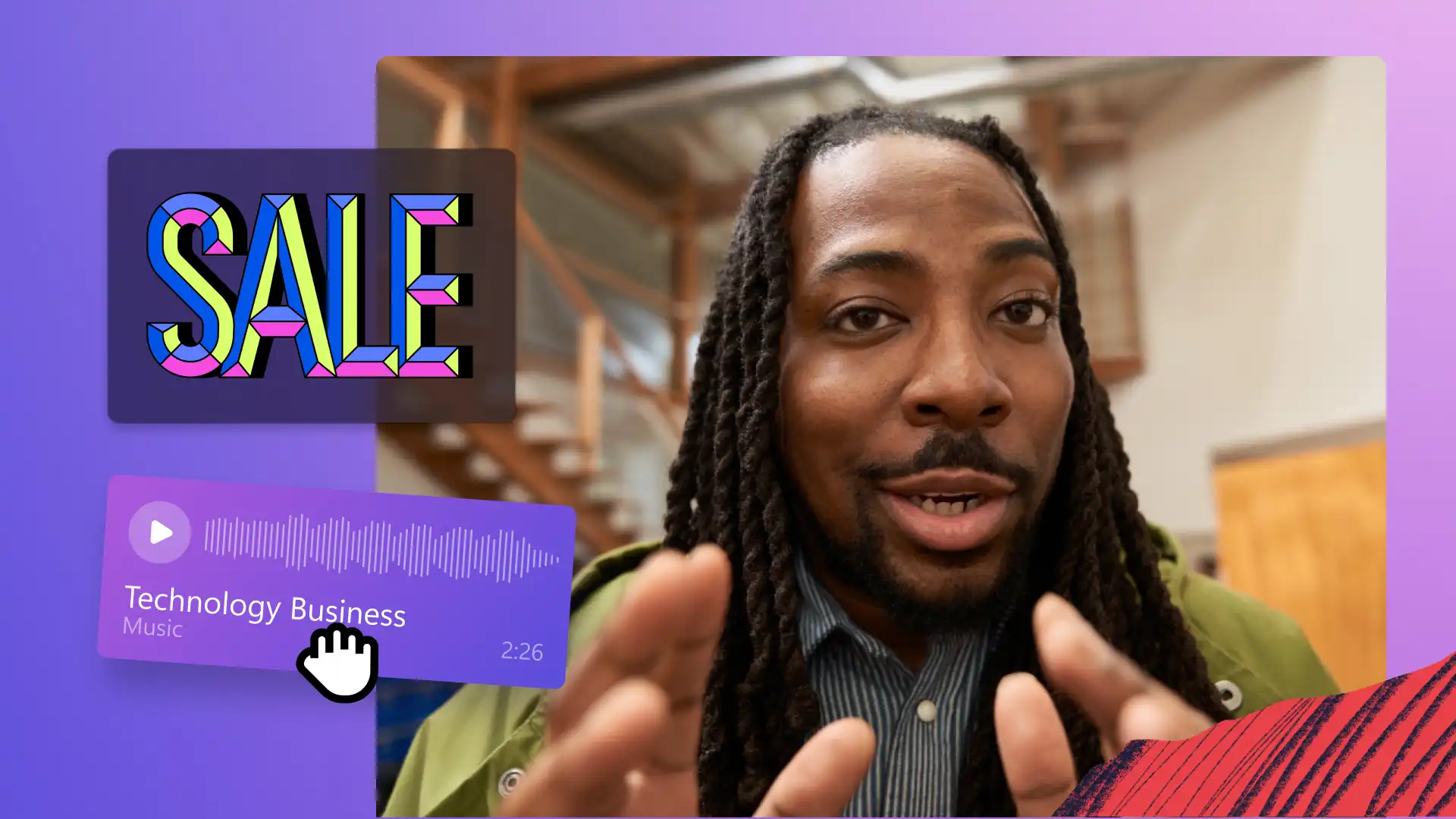
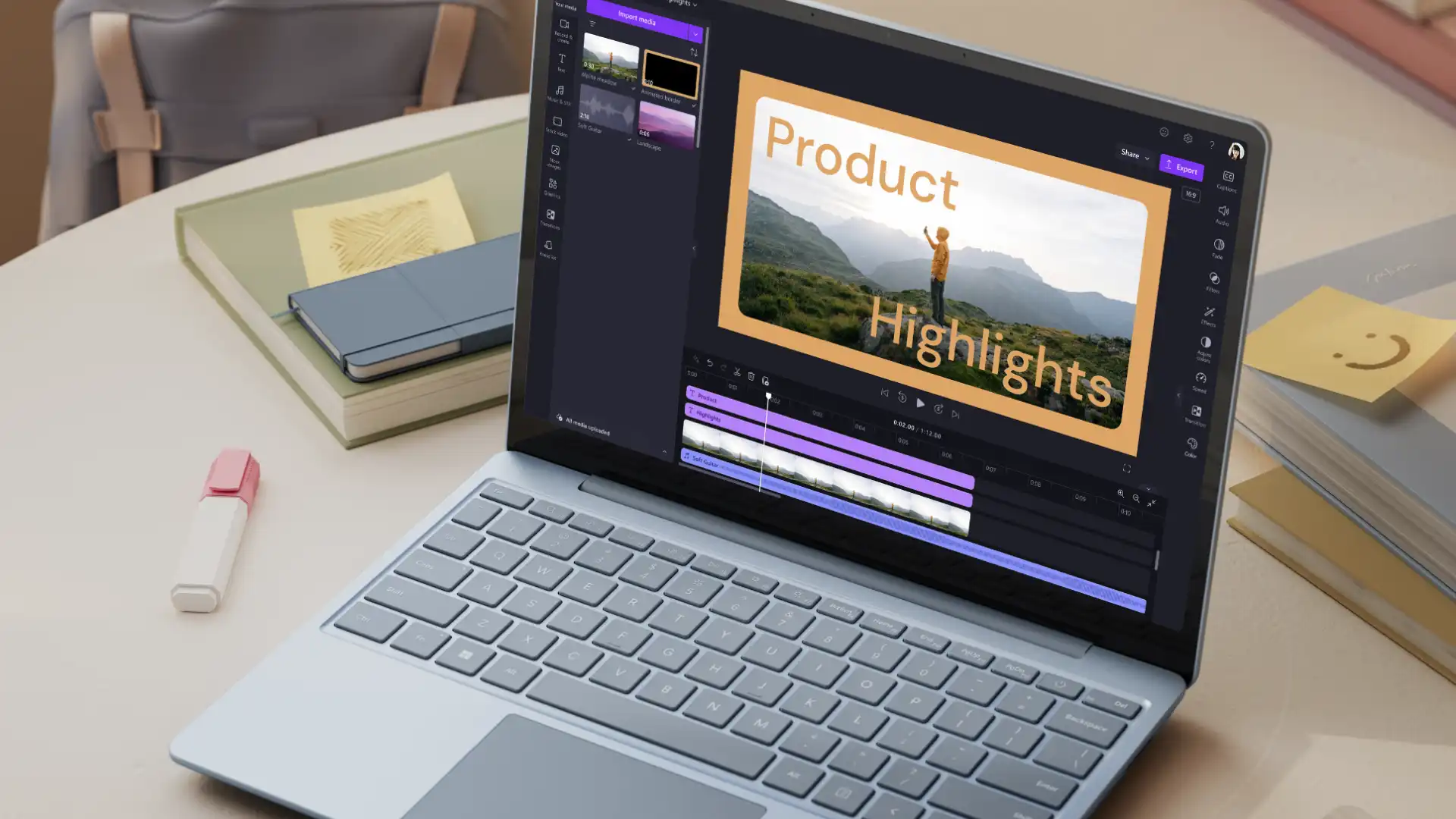
Highlight key features and benefits with text and lower third overlays.
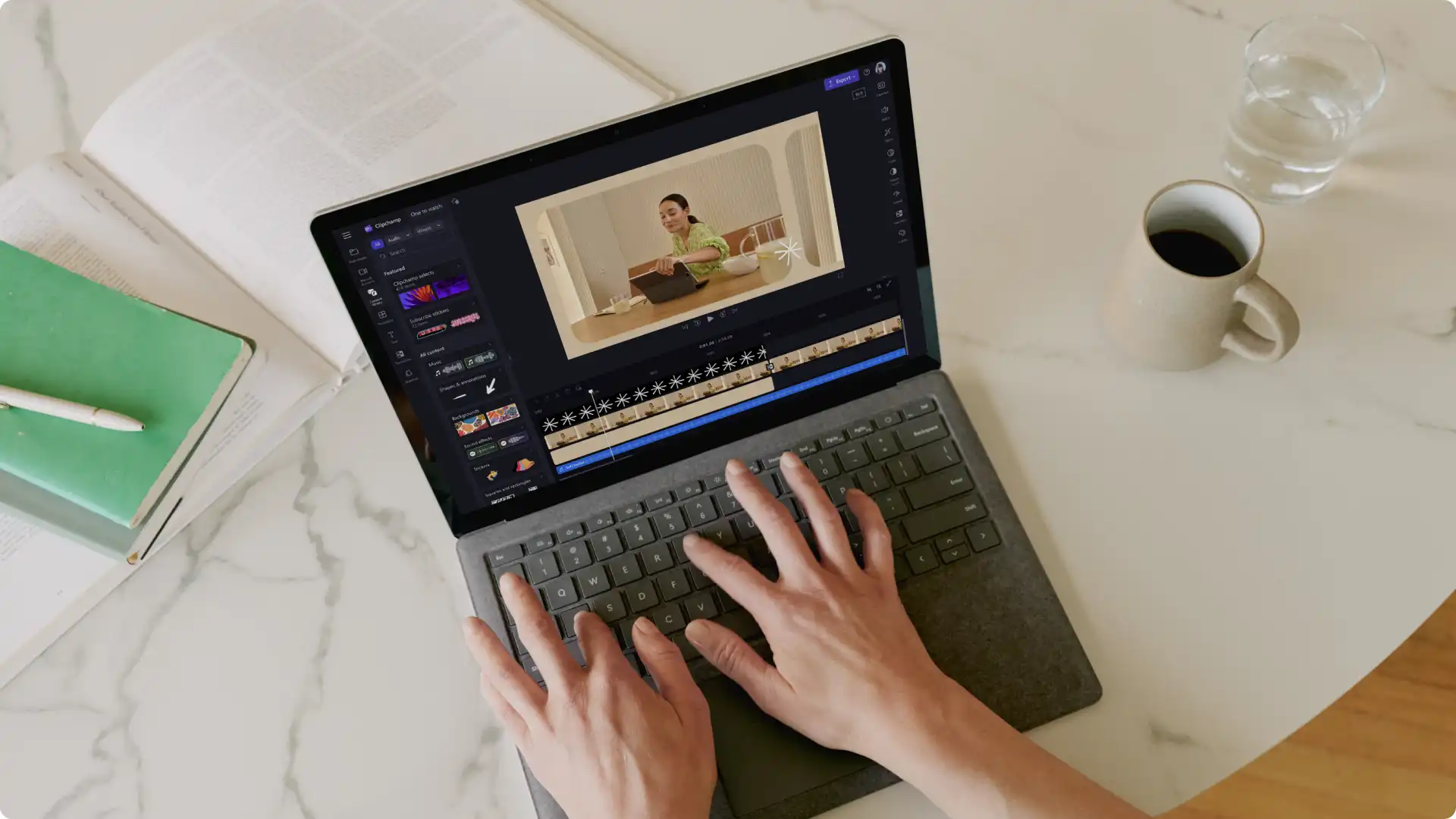
Showcase your product’s thoughtful design with a tutorial video.
Turn your product demo into a GIF to embed in your newsletter or website landing pages.
Increase social media engagement by repurposing your product video as an Instagram ad.
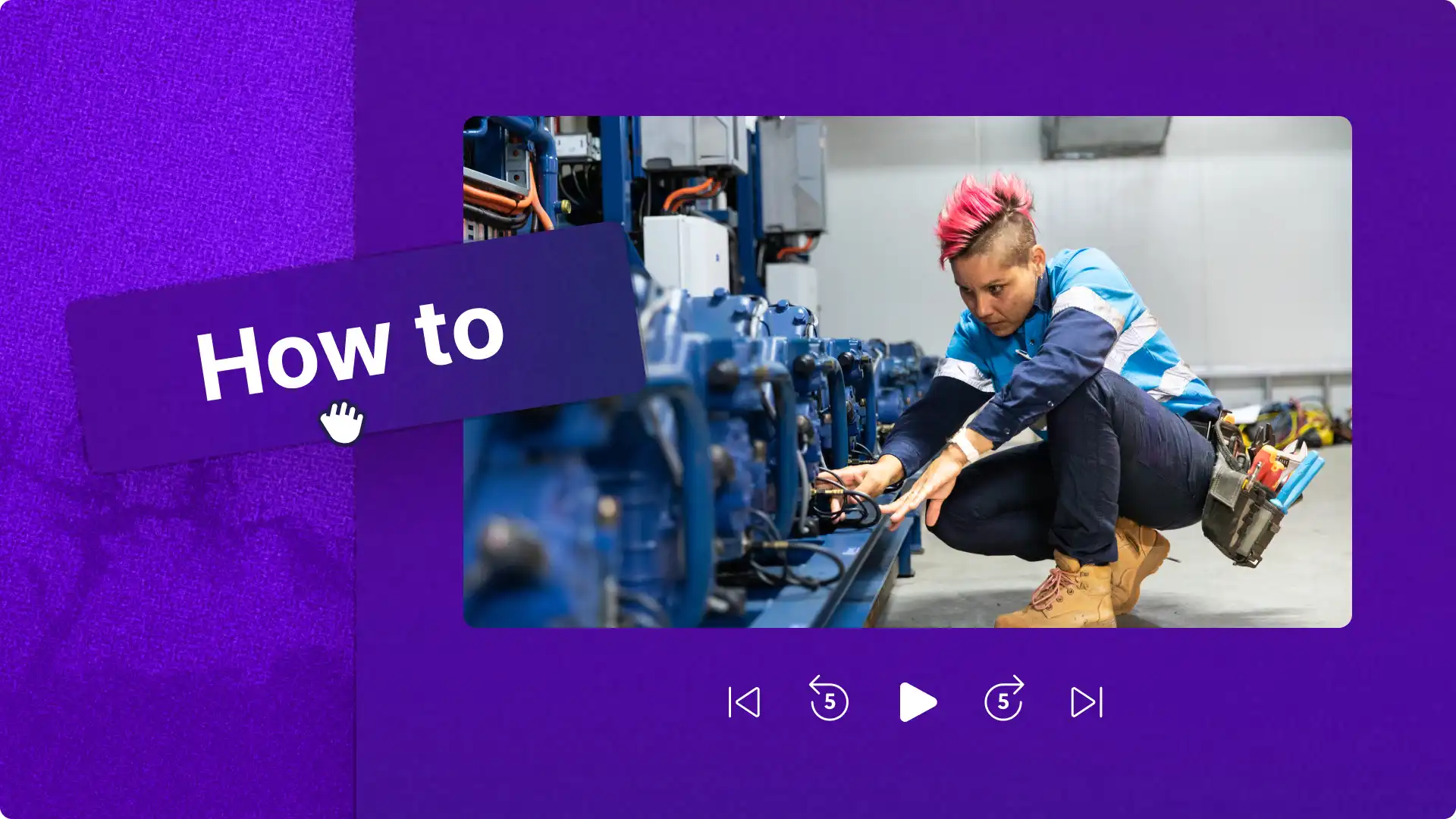
Transform your product walkthrough into a how-to video people can find on YouTube.
Add AI voiceover to your product walkthrough in an extensive range of languages to reach new markets.
Generate subtitles to keep your demo accessible to everyone.
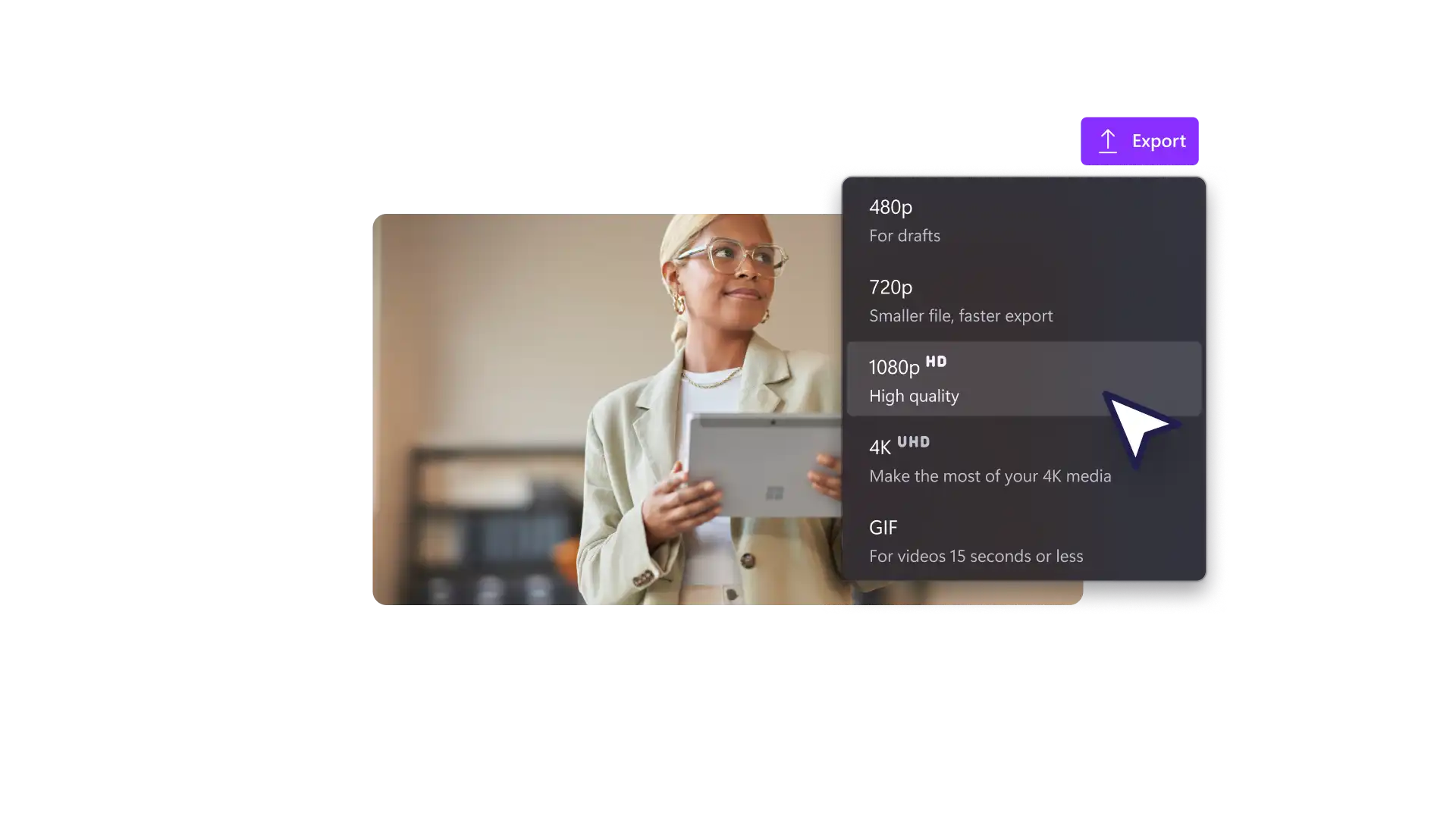
Resize your demo videos for sharing across a variety of platforms, for all screen resolutions.

Check out our ultimate guide to making engaging product demo videos.
Yes! Create your own eye-catching product demo videos free and online with Clipchamp. Get a head start on your demo video with a video template and save time and money by using royalty-free stock media.
A great product demo video shows your customer how your product works, and the key features and benefits. One way to do this is to make a product tutorial, which highlights the unique points that differentiate your product from your competitors and finishes with a clear call to action.
Keep your product demo video short to maximize view time and engagement on social media platforms like Instagram, TikTok, and YouTube. Making your video 60 to 90 seconds gives you ample time to showcase your product while keeping people engaged.
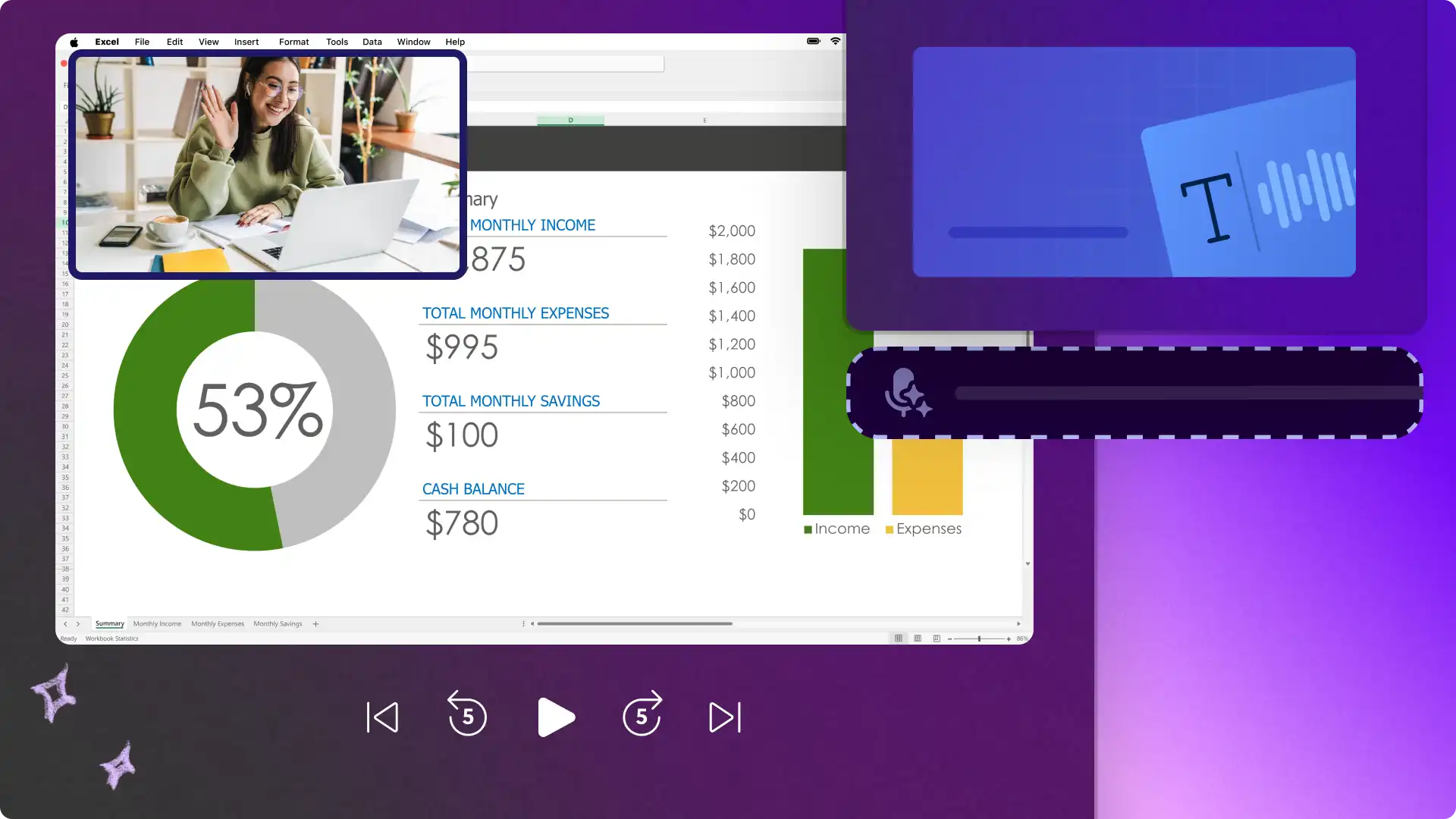
Create a professional software demo or app showcase in Clipchamp with the screen recorder. You can record your screen and add some polish with an AI voiceover. Add a more personal touch to your software demo by using the screen and camera recorder.