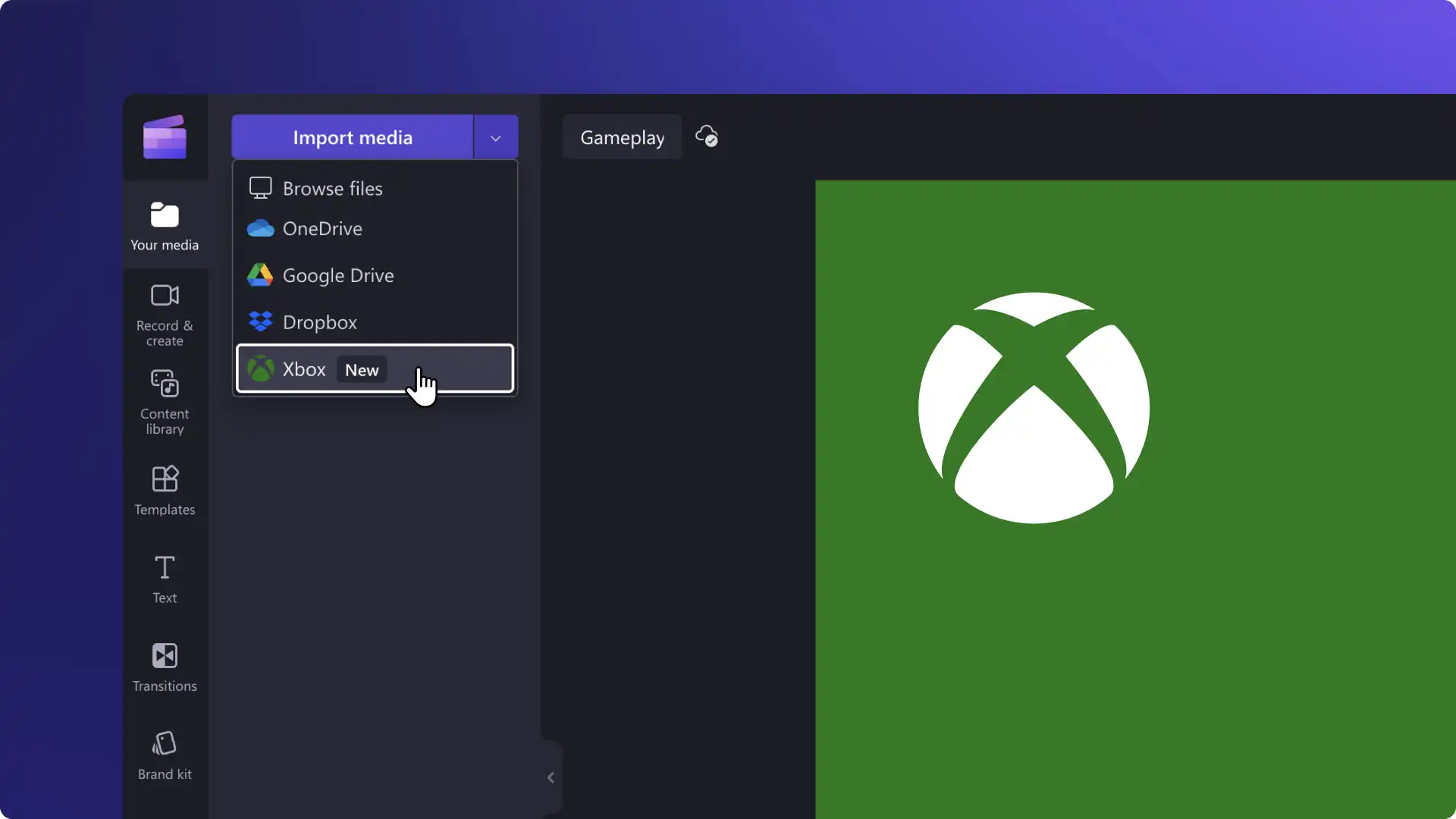
New! Import videos directly from Xbox in Clipchamp
Directly access your Xbox clips with no file transfers necessary using the new Xbox...
Create pro gaming videos with effects, AI-powered features and video templates. No downloads required.

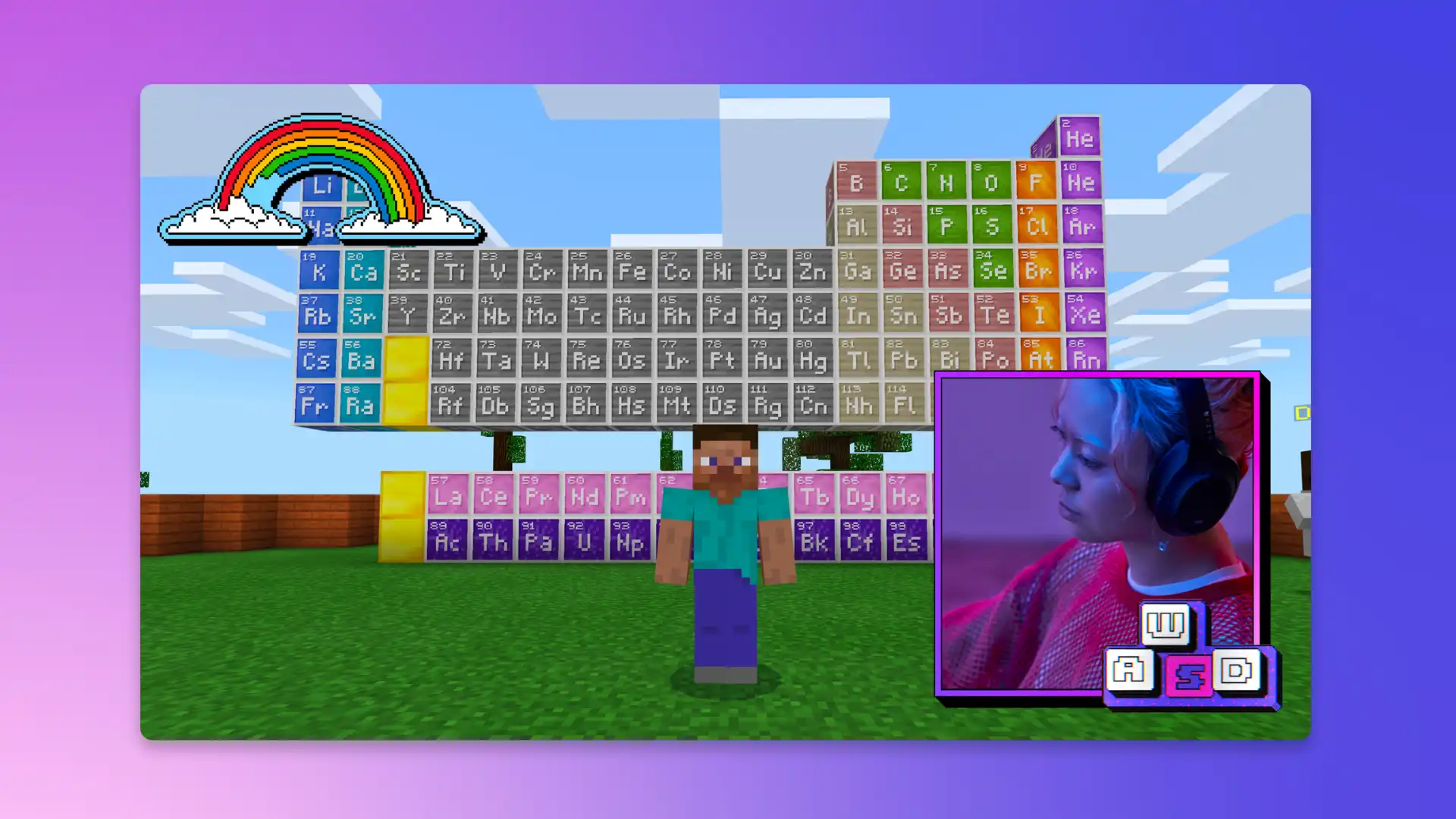
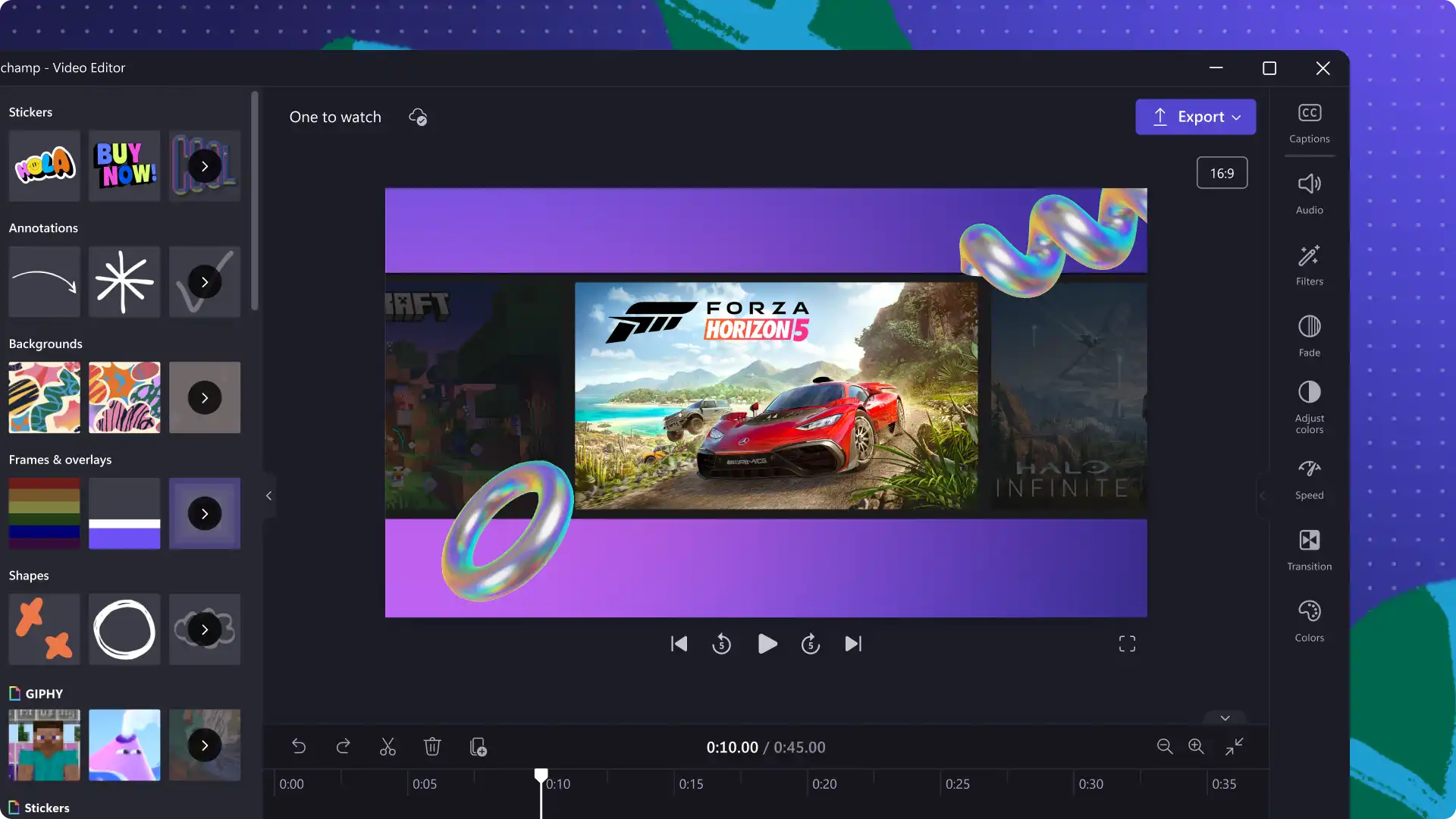
Turn gameplay into entertaining videos—no cheat codes required. Trim, cut, combine, add facecam overlays and animated text to level up your content. Enjoy intuitive keyboard editing and audio editing shortcuts that harness your need for speed.

Enhance your gaming edits with royalty-free video clips and exclusive Xbox content like video backgrounds, SFX and stickers from Minecraft and Sea of Thieves. Create AI voiceovers, generate subtitles and filter out profanity in a few clicks.
Upload or record gameplay
Trim, crop and resize
Add text, stickers and sound effects
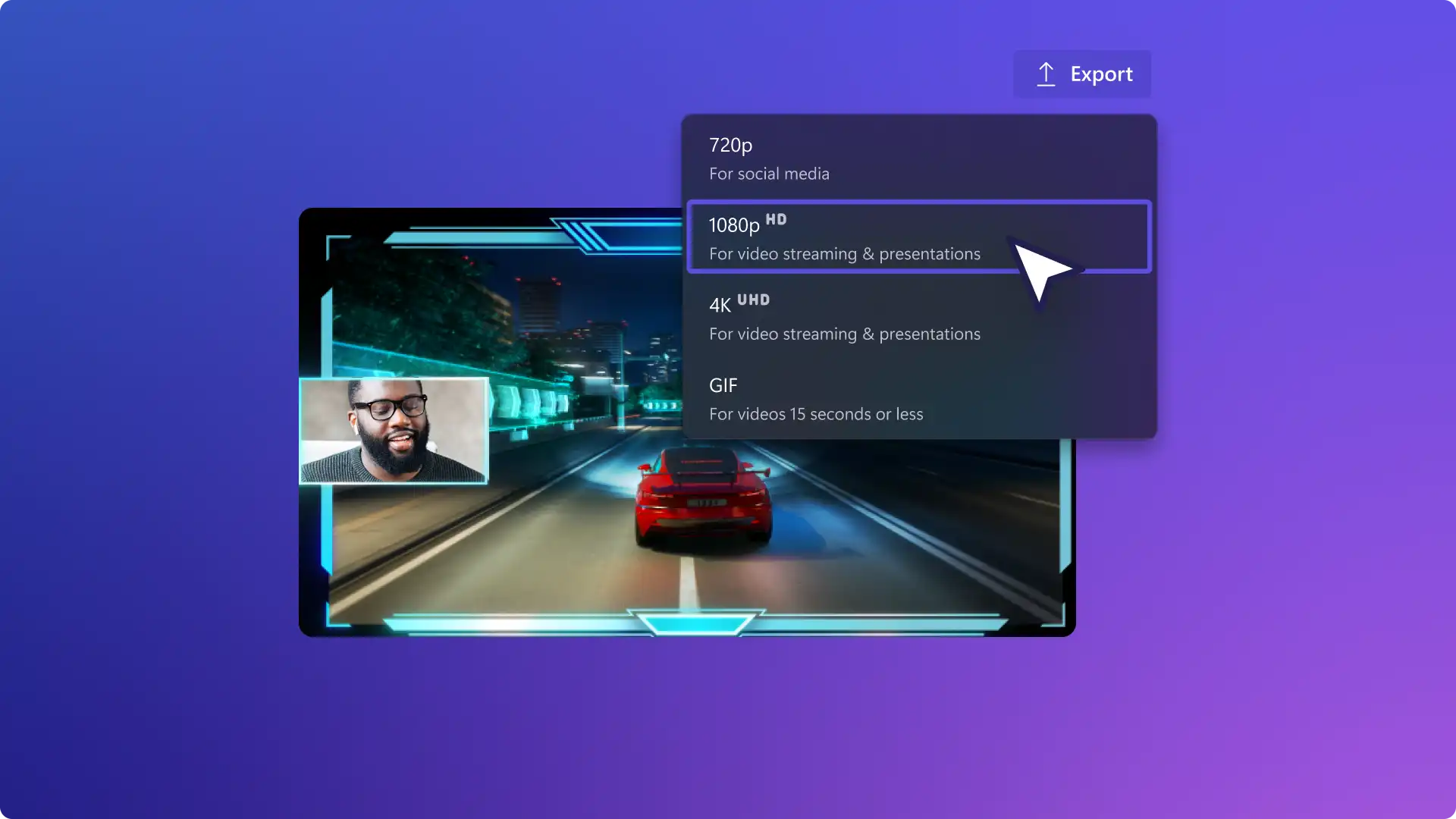
Download and share
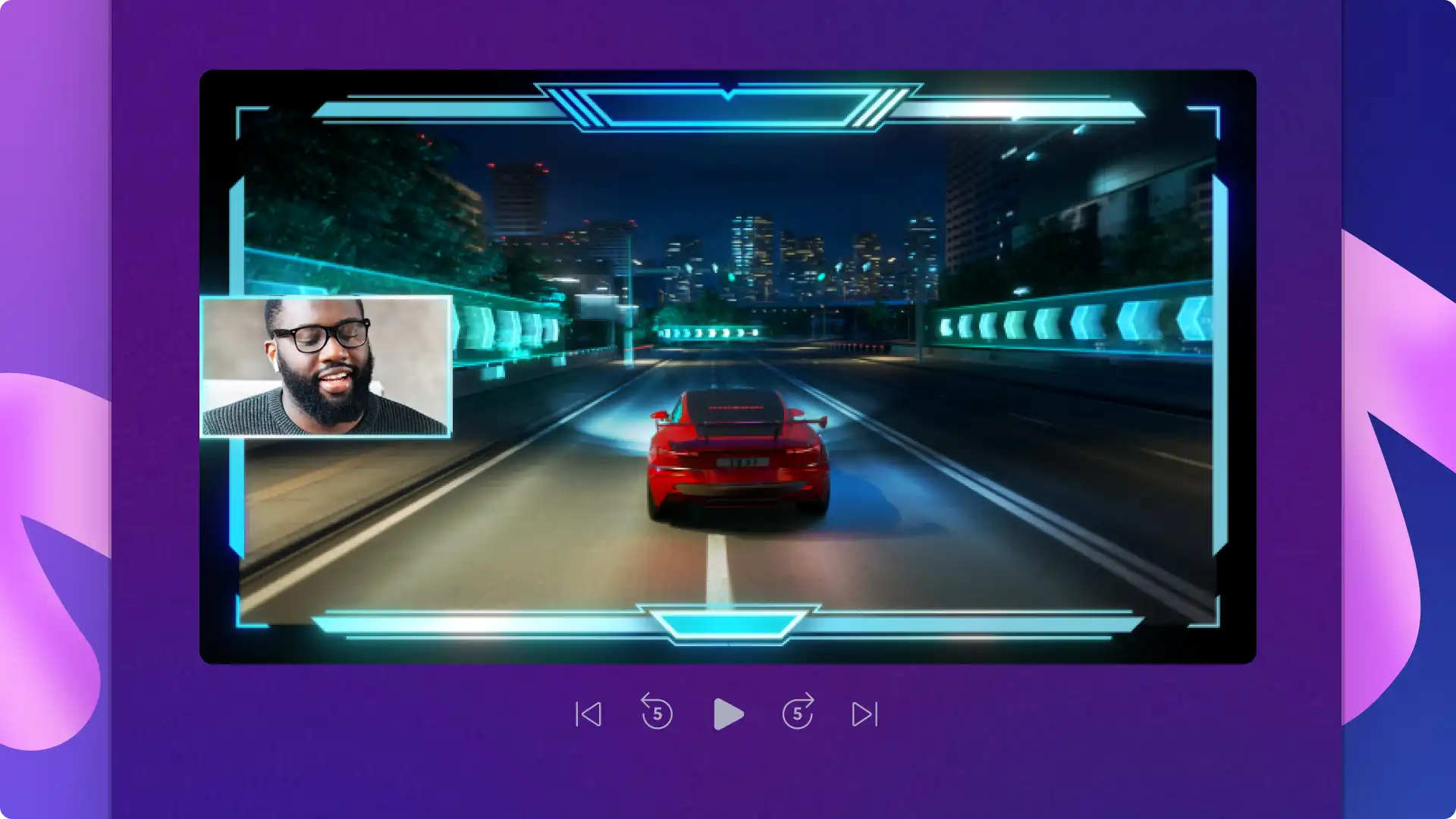
Trim and combine video clips to showcase your impressive gaming skills. Try interesting video layouts like facecam overlays or a split screen effect for TikTok and Youtube Shorts.
Mute or split audio from video in a click and replace with fresh music and sound effects to make your videos more engaging.
Select the profanity filter to remove NSFW language from your subtitles to make sure your videos are respectful and can be monetized.
Cut and combine your most epic wins or fails to make a highlights video or use a video template to get a studio production feel.
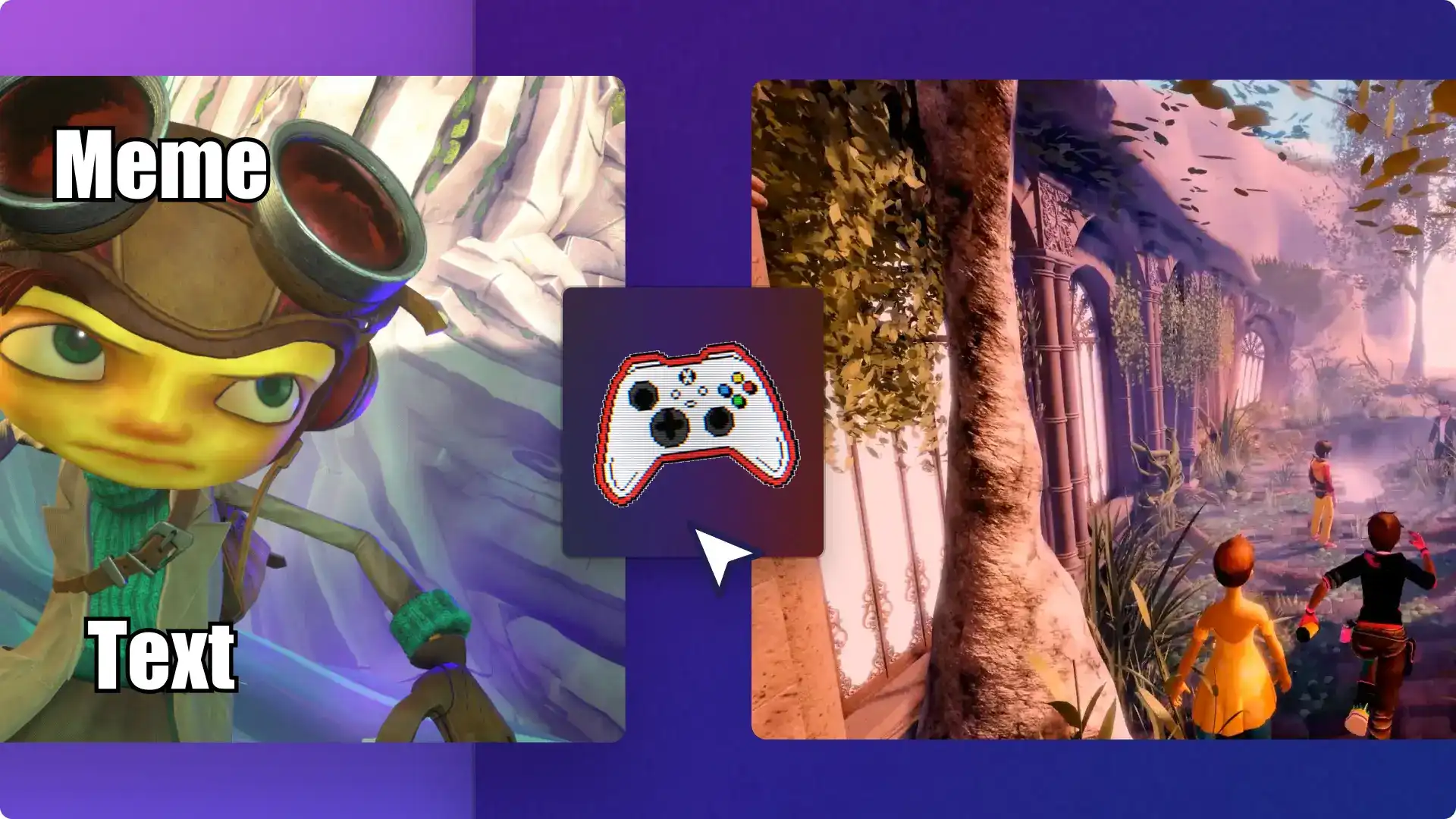
Transform moments from your gameplay videos into memes for your community to share using the meme text style, before adding an AI voiceover and funny music.
Repost your content across any social media with the easy video resizer tool.
Develop a memorable video aesthetic by using colors, music and your channel logo consistently.
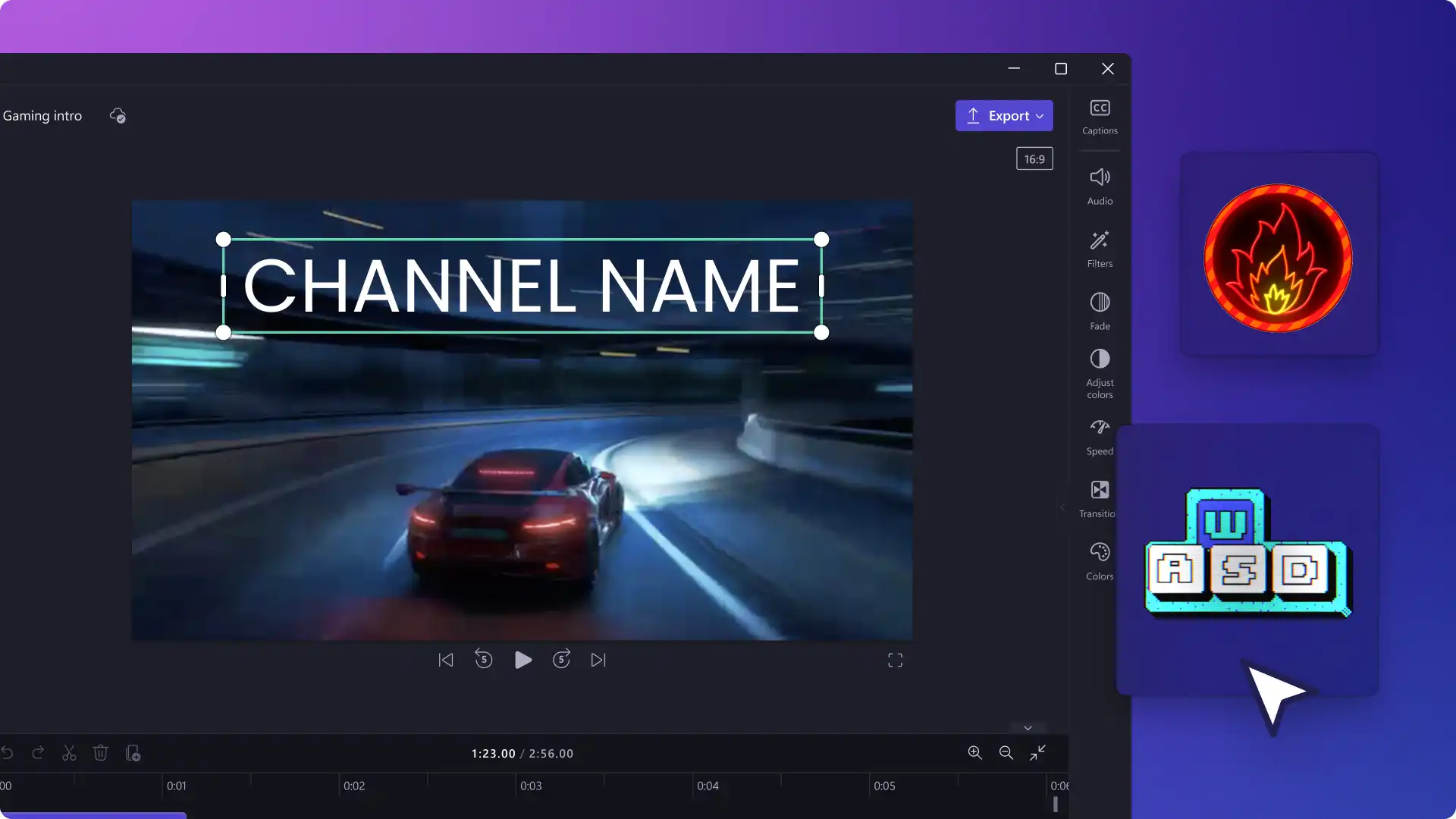
Add an animated gaming intro video after your hook so viewers remember your branding.
Remind viewers to subscribe and check out more videos with an engaging outro video.
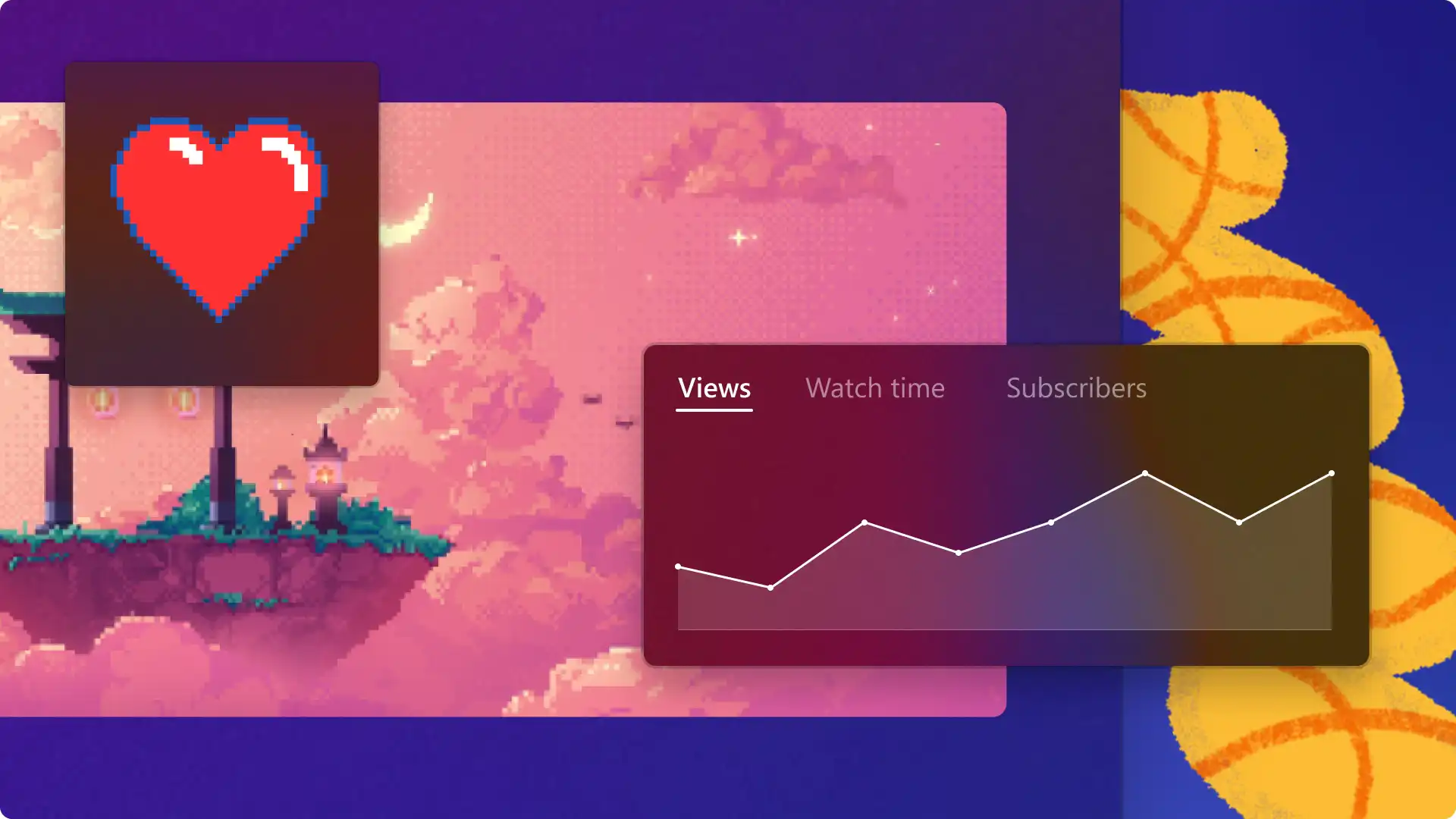
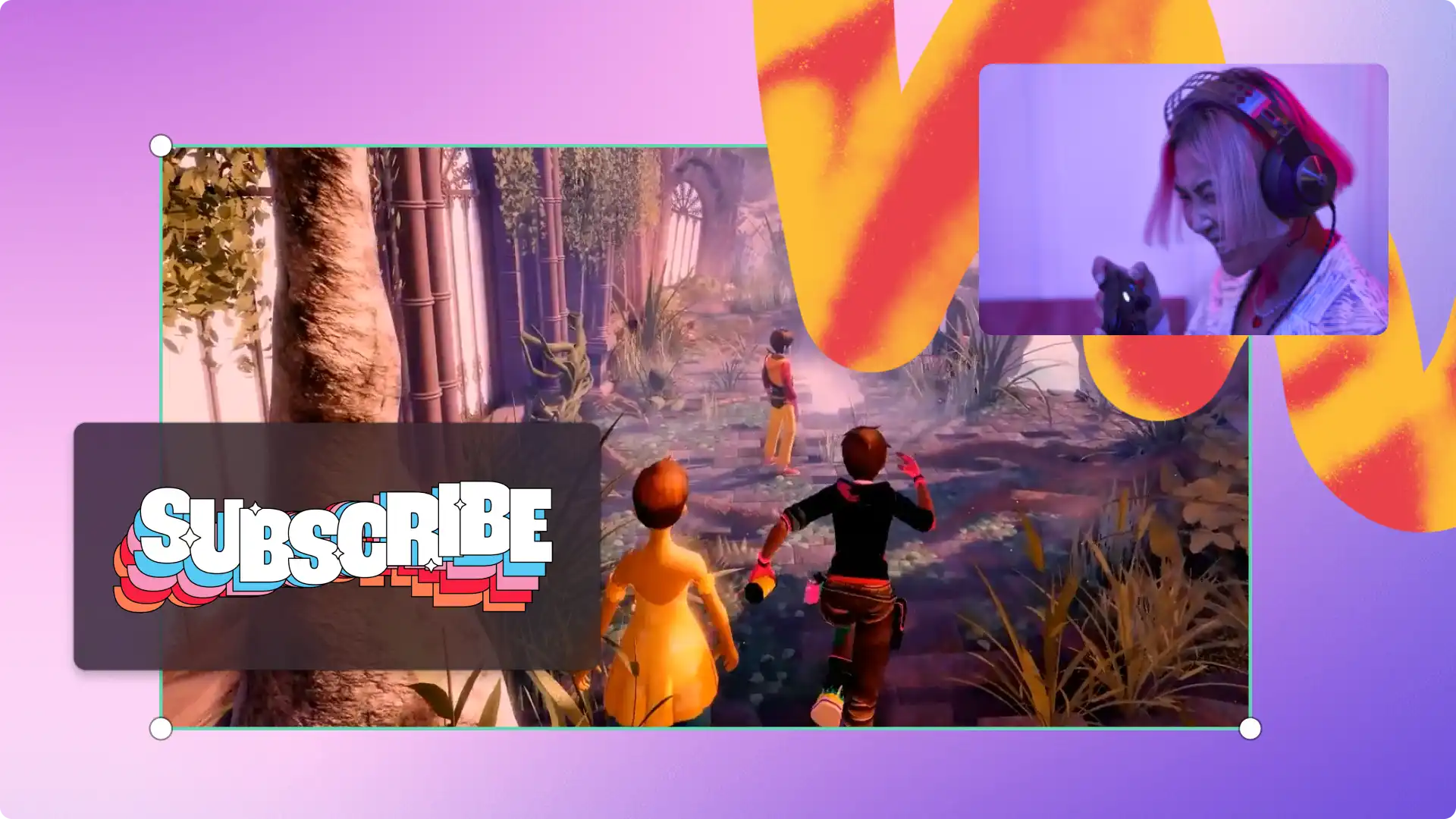
Browse video templates and exclusive Xbox video stickers and content packs to liven up content.
Drag, drop, and customize video elements in a template with no need for gaming video editing experience.
Perfect a gaming brand by editing templates for live stream promos, intro videos, and like and subscribe banners.
Yes, there is a limit of 4 GB per import of media files (video, image, audio) into Clipchamp. Read more.
To save your video in 4K resolution, consider subscribing to Clipchamp.