How to make product demo videos with AI voiceovers
Promo video maker
Create compelling ads and promotional videos online with video templates and free video editing tools in Clipchamp. No downloads required.
Professional video editing features

Edit promo video templates with ease
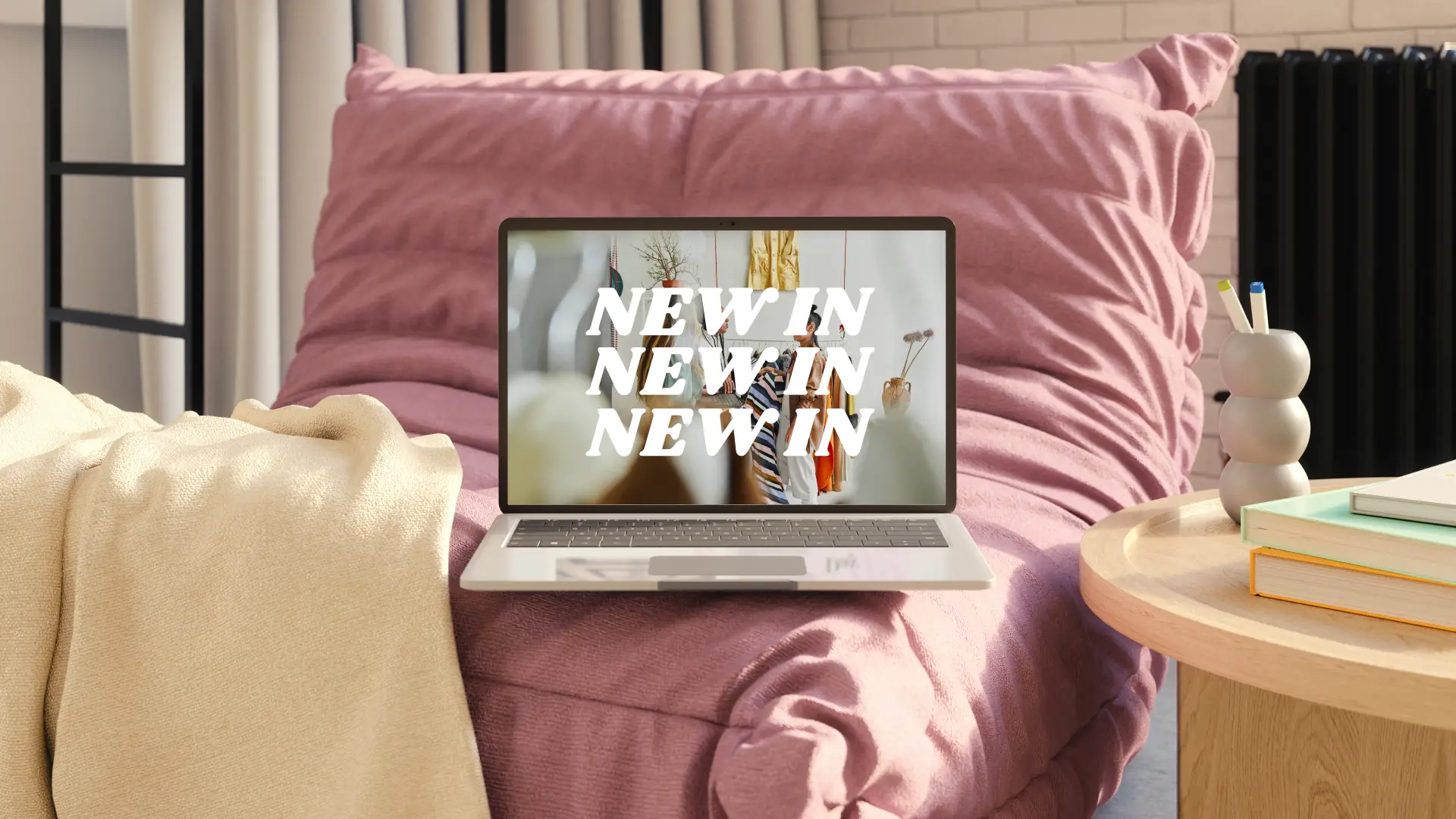
Save time while elevating your brand’s presence with thousands of free video promo templates for any company or industry. Excite your viewers about a product, service, sale or event by customizing a video template with personal footage. Quickly edit your text, add your unique call-to-action, and replace stock footage with your own creative clips.

Customize with brand logos, fonts, and colors
Build a strong brand identity and consistent aesthetic by adding on-brand watermarks, logos, color palettes, and fonts to promo videos. Easily store your company assets to quickly create recognizable and professional video ads with the brand kit tool.

Polish promos with AI features
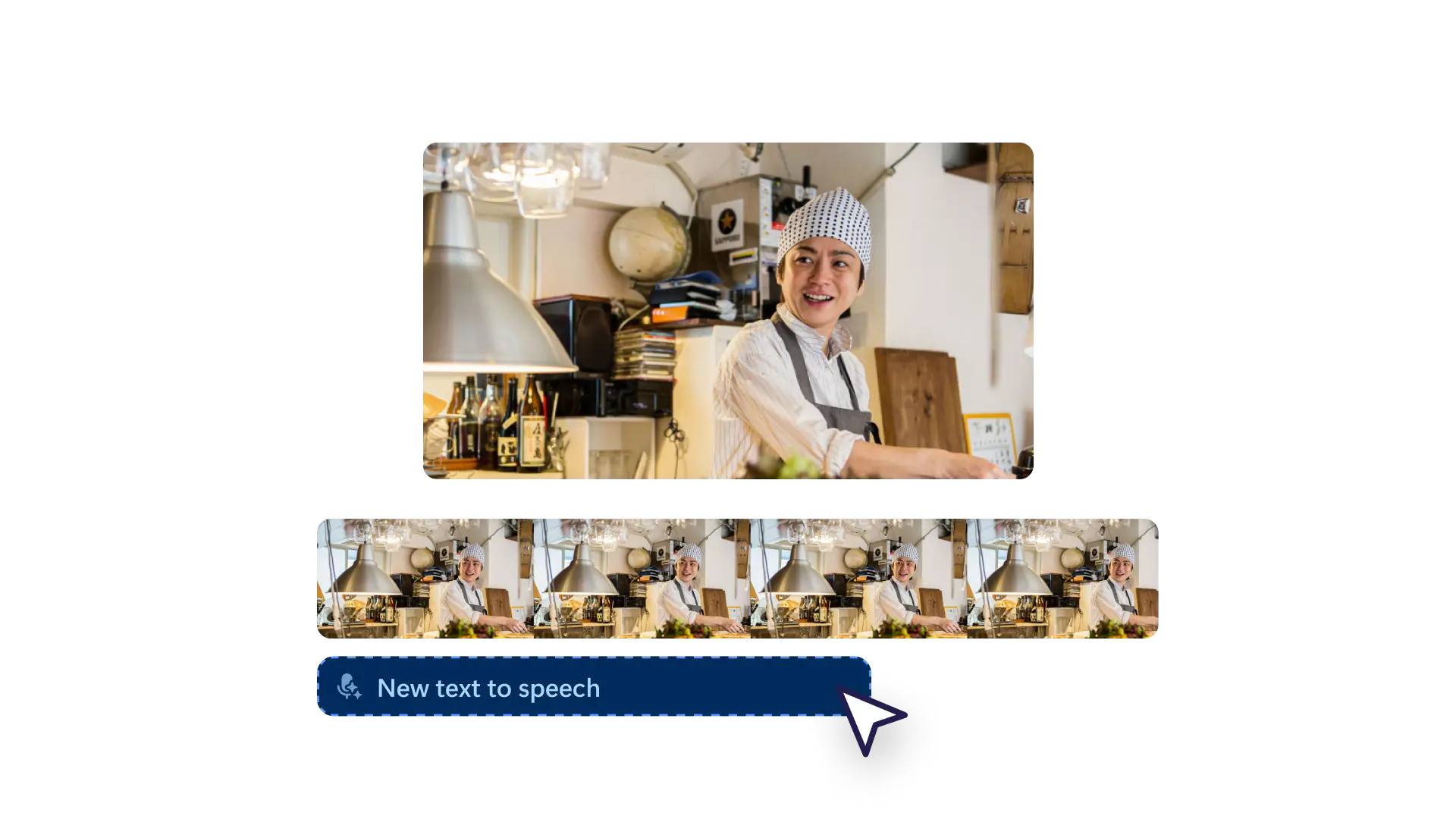
Level up your ads and video promos with AI video editing tools - without leaving your browser. Build captivating narration through AI voiceovers and create inclusive video promos using automatic subtitles. Improve your promo video quality by using silence removal to maintain a consistent flow.
How to make a promo video in Clipchamp

Grow your brand by attracting new customers
Increase your sales through eye-catching promotional videos that share exclusive discounts and special offers to online viewers.
Influence followers to purchase a new product or service by uploading engaging explainer videos created with the promo video maker.
Promote a learning session or online webinar to new and existing customers with royalty-free stock videos and animated titles.

Keep your audience informed and excited
Generate hype around upcoming charity events and galas by combining stock videos, sticker overlays, and animated text.
Leave a lasting impression on social media with behind-the-scenes content and meeting the team promo videos.
Turn customer testimonial clips into scroll-stopping video promos designed to give your viewers the confidence to purchase.

Communicate key messages with ease
Share your brand story, mission, and vision through corporate video promos. Add identifiable brand logos and even turn them into a video watermark.
Announce a new business venture or introduce your new brand with a company overview promo video.
Teach viewers how to use your product or service online while solving pain points in how-to videos.
Start with a promo video template
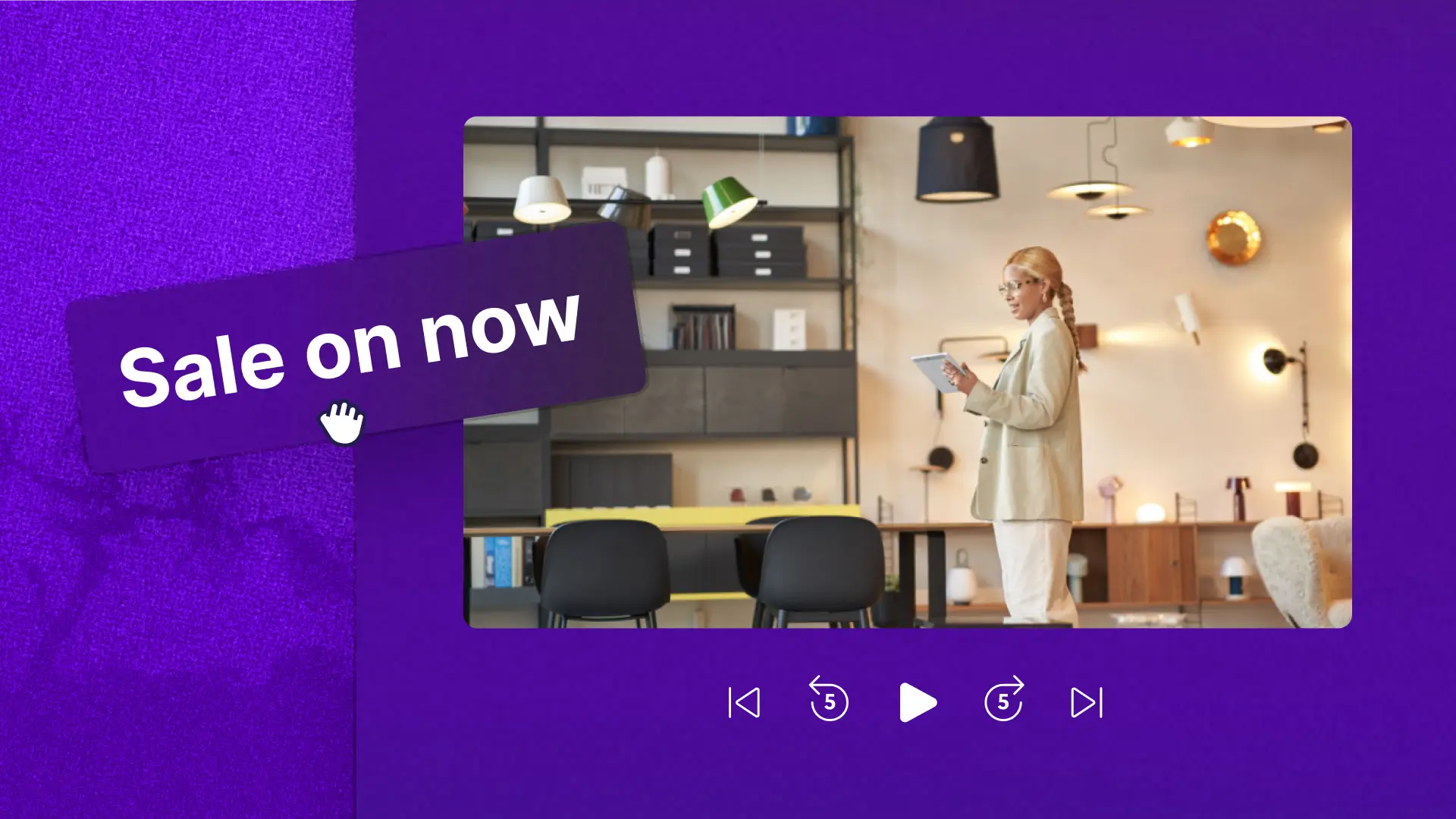
Create a scroll-stopping video promo without starting from scratch. Inspire your video editing with designer promo video templates made for any industry and genre.

Need help making the perfect video promo for your business?
Spark creativity by exploring the best promo video ideas.

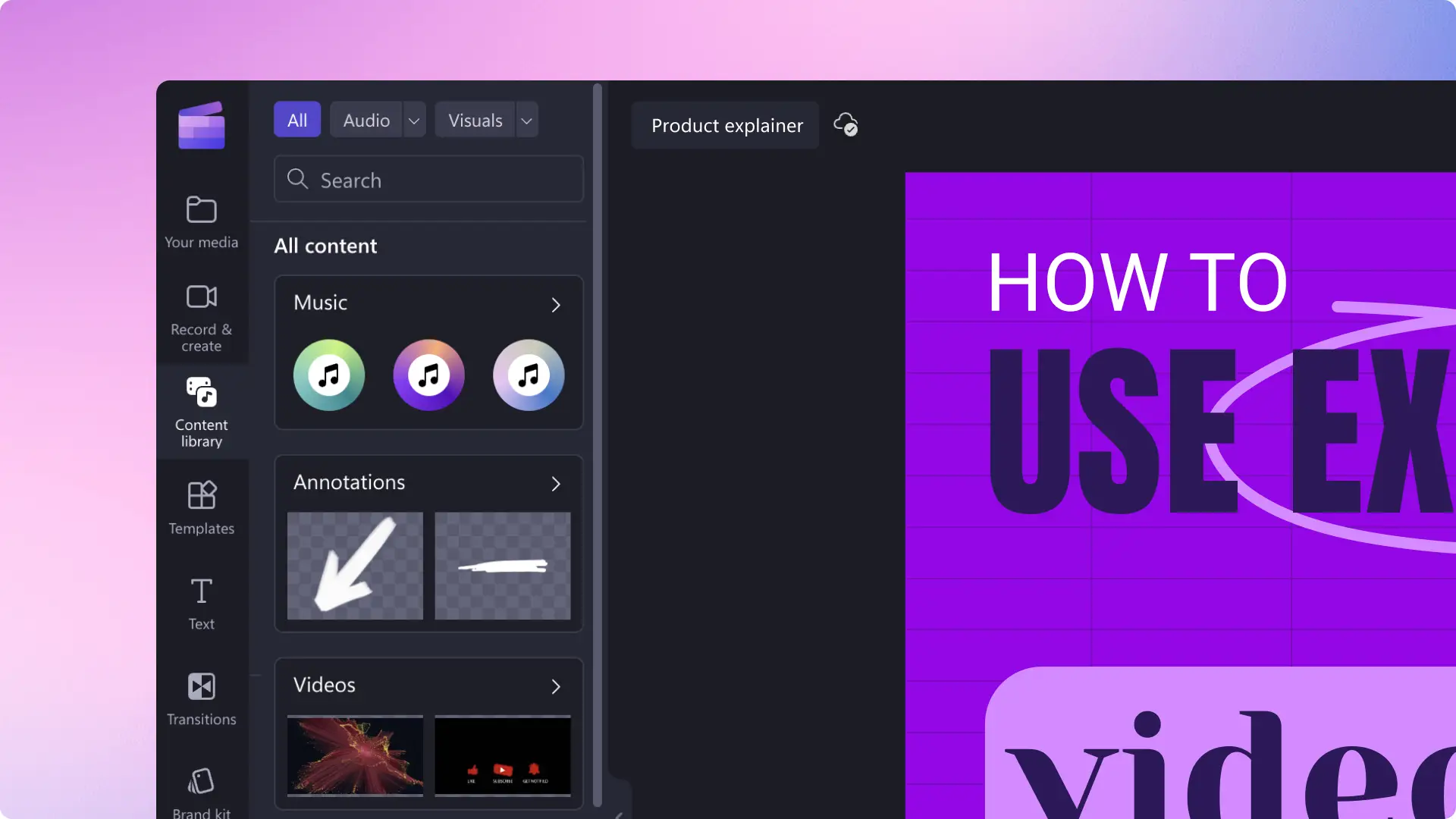

Watch and learn
Become an promo video editing pro in just two minutes with this helpful step-by-step tutorial.
Frequently asked questions
Is Clipchamp promo video maker free?
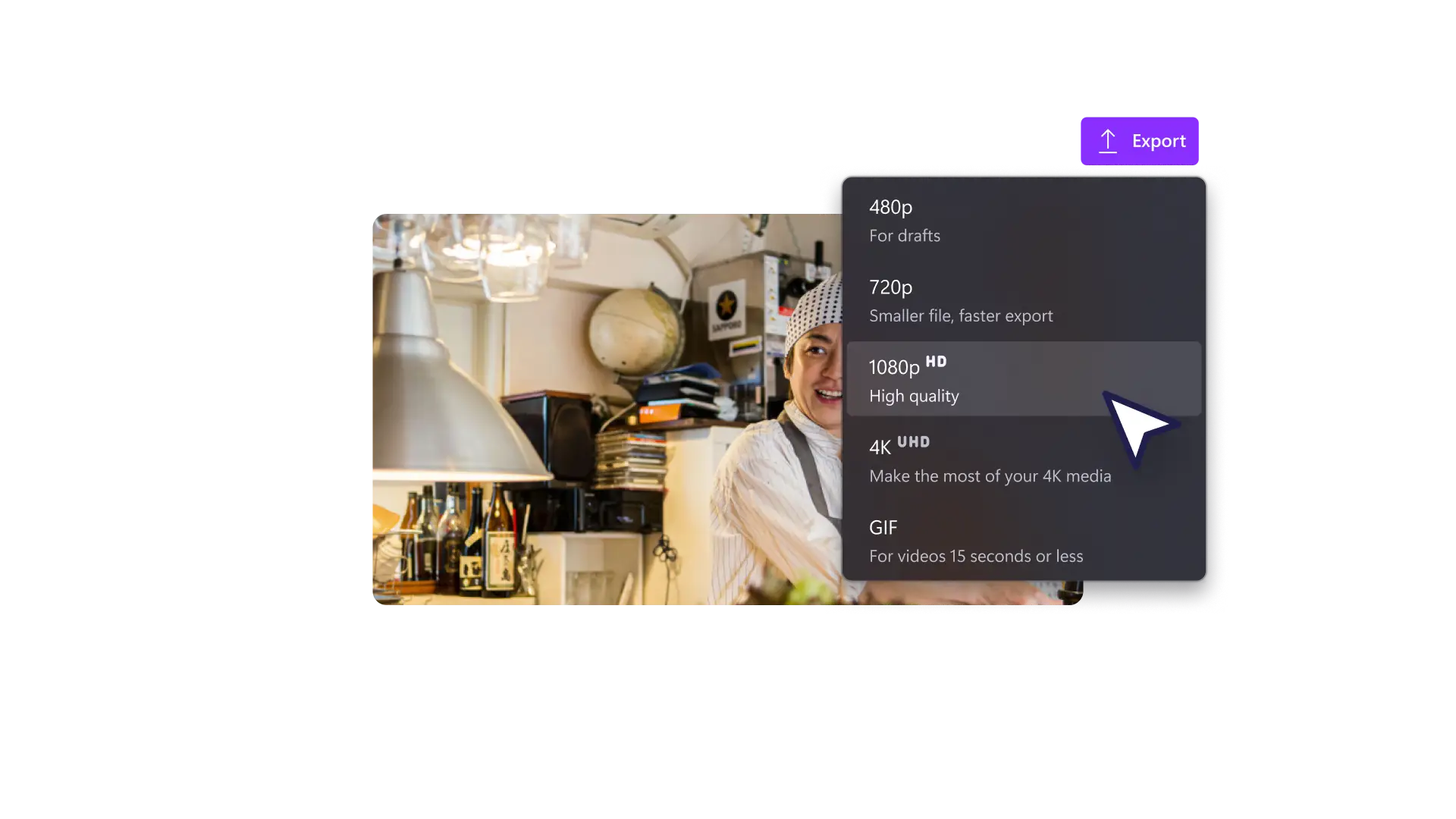
Yes! The promo video maker in Clipchamp is free for all users. Access an endless range of video templates for all industries, edit with pro video editing tools, and export promo videos in 1080p video resolution for free.
How long should a promo video be?
Video promos shared to social media are usually between 30 seconds and 2 minutes. The length of your promo video will also depend on what platform you would like to share it on. Easily trim the length of your promo video using the free video trimmer in Clipchamp.
How to create a promo video?
If you’re short on time and don’t want to start from scratch, quickly and easily create a video promo with a ready-to-use video template in Clipchamp. Select a promo video template that best suits your needs and genre, customize the text, royalty-free stock, and add subtitles, then save your video for free directly to social media.
Do I need to install anything to use Clipchamp?
The Clipchamp video editor works right in your browser, so you can start creating amazing videos on any device, anytime. Windows users can enjoy editing on the Microsoft Clipchamp app.